
AI Pitch Deck Builders: Getting a brand sponsor is rarely just about having a good idea.
Whether you’re a content creator, influencer, startup founder, event organizer, podcast host, YouTuber, or social media manager, sponsors usually want to know one thing:
Why should we invest in you?
A strong pitch deck can answer that question much faster than a long email.
A good sponsorship pitch deck shows who you are, what you offer, who your audience is, what makes your platform valuable, and exactly what a brand gets by working with you.
The problem is that creating a professional pitch deck from scratch can take hours.
You have to decide what slides to include, write the copy, organize statistics, choose a design, create charts, and make everything look professional.
This is where free AI pitch deck builders can help.
AI presentation tools can take your basic information and turn it into a structured presentation much faster than starting with a completely blank PowerPoint or Google Slides file.
But there’s an important distinction.
AI can help build the presentation.
It cannot magically create a convincing sponsorship opportunity.
Your audience statistics, previous campaign results, content quality, niche, engagement, pricing, and partnership idea still matter.
The best workflow is therefore:
Your real data + your sponsorship strategy + AI-assisted presentation design.
In this guide, we’ll look at some of the best free or free-tier AI presentation tools for creating sponsor pitch decks, how I would use each one, what information to provide, which slides belong in a sponsorship deck, common mistakes, and how to turn an ordinary presentation into a professional brand partnership proposal.
What Is a Brand Sponsorship Pitch Deck?
A brand sponsorship pitch deck is a short presentation designed to convince a company to collaborate with you.
Depending on your situation, it can include:
- About you
- Your brand
- Audience demographics
- Social media statistics
- Website traffic
- Content performance
- Previous collaborations
- Sponsorship opportunities
- Deliverables
- Pricing
- Campaign concepts
- Expected outcomes
- Contact information
For example, an Instagram creator might offer:
- 2 sponsored Reels
- 3 Stories
- 1 carousel
- Product integration
- Giveaway campaign
A podcast could offer:
- Host-read advertisements
- Episode sponsorship
- Social media promotion
- Newsletter placement
A startup might pitch a brand partnership involving:
- Product integration
- Co-marketing
- Event activation
- Affiliate campaign
The pitch deck should make the opportunity easy to understand.
Why Use AI to Build a Sponsorship Pitch Deck?
Creating a pitch deck manually involves several different tasks.
You need to be a:
- Copywriter
- Presentation designer
- Data organizer
- Storyteller
- Marketer
AI can help reduce the workload.
For example, I can provide:
“I’m a lifestyle content creator with 85,000 Instagram followers, an average Reel reach of 45,000, and an audience primarily consisting of women aged 18–34 in Pakistan. I’m pitching a skincare brand for a three-month partnership.”
An AI presentation tool can then help turn that information into a presentation structure.
The key is to give it real information.
Don’t ask AI to invent:
- Followers
- Engagement rates
- Sales
- Audience demographics
- Campaign results
- Testimonials
- Brand partnerships
A beautiful deck with fake statistics can damage your credibility.
What Makes a Sponsorship Pitch Deck Convincing?
Before discussing tools, let’s look at the structure.
A strong sponsor deck usually answers five questions:
Who are you?
The sponsor needs to understand your identity.
Who is your audience?
Brands care about whether your audience matches their customers.
Why are you valuable?
Show reach, engagement, authority, content quality, or community.
What can you offer?
Make your sponsorship opportunities specific.
Why should the brand act now?
Give them a compelling campaign idea or partnership opportunity.
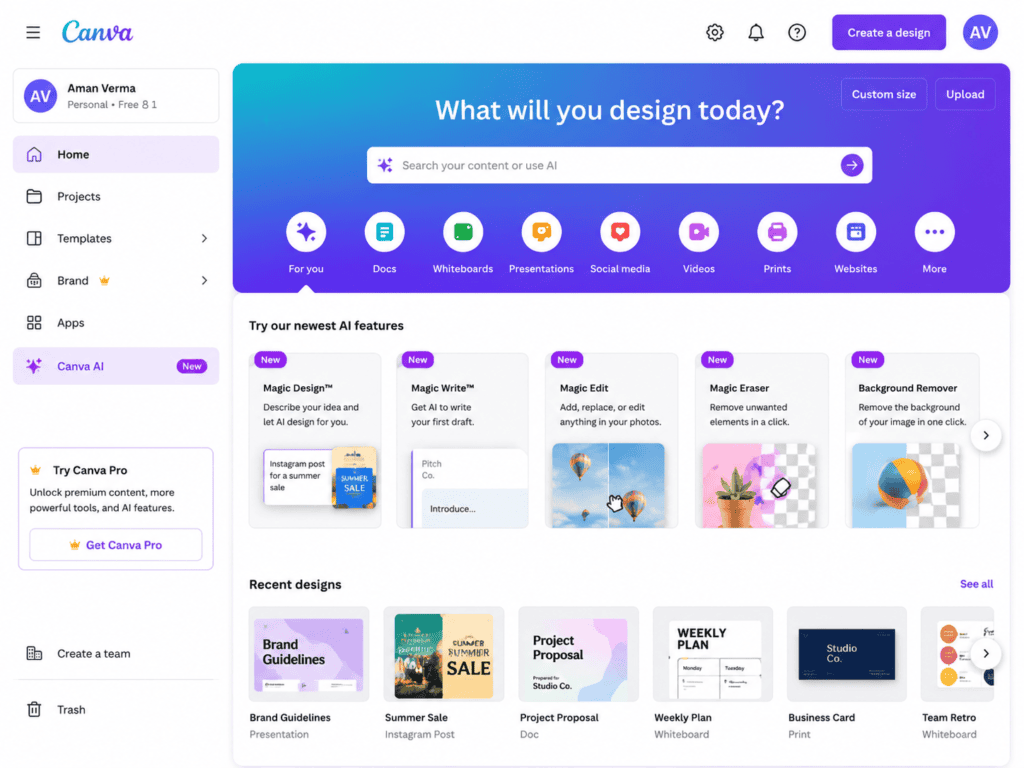
1. Canva — My First Choice for Visually Strong Sponsor Decks
Canva is one of the most practical options when I want an attractive sponsorship presentation without designing every slide manually.
Its presentation ecosystem includes templates and AI-powered design features that can speed up the process.
How I would use Canva
I wouldn’t begin by opening a blank presentation.
I’d first prepare the information.
For example:
Creator:
Fashion and lifestyle creator
Audience:
120,000 Instagram followers
Average Reel views:
65,000
Primary audience:
Women aged 18–34
Location:
Pakistan
Content categories:
Fashion, beauty, lifestyle
Then I would use that information to create a presentation structure.
My slides might be:
- Cover
- About me
- Audience
- Platform statistics
- Content performance
- Previous collaborations
- Sponsorship opportunities
- Campaign concept
- Deliverables
- Contact
What I like about this workflow
Canva makes it relatively easy to maintain visual consistency.
For a sponsor deck, that’s important.
A brand should see a professional presentation rather than ten unrelated-looking slides.
Best for
- Influencer media kits
- Creator pitch decks
- Sponsorship proposals
- Social media presentations
- Brand partnership decks
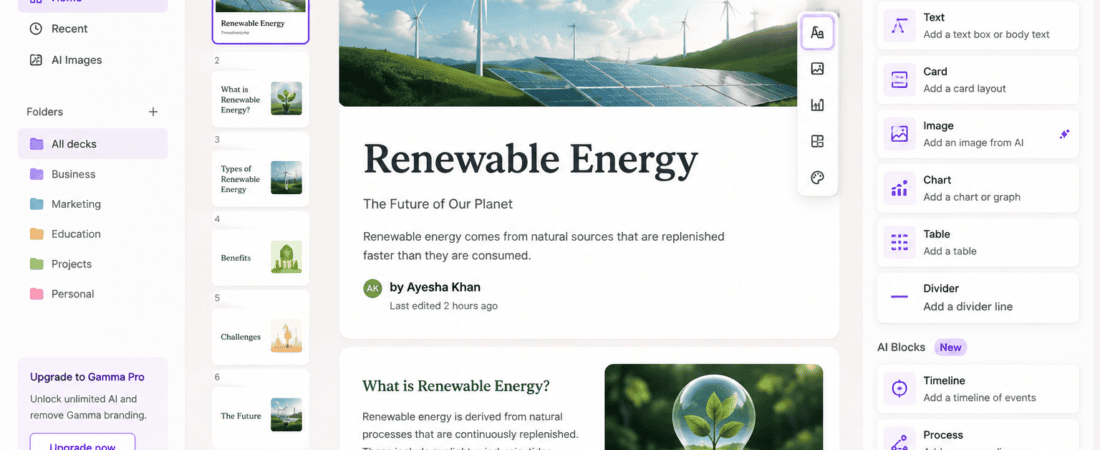
2. Gamma — My Choice When I Want AI to Handle the Structure
Gamma is particularly useful when I want AI to help transform an idea into a presentation structure.
Instead of manually creating every slide, I can start with a description of the sponsorship proposal.
For example:
“Create a professional 10-slide sponsorship pitch deck for a Pakistani food content creator with 75,000 Instagram followers. The audience is primarily 18–35-year-olds interested in restaurants and food experiences. The creator wants to pitch a three-month partnership to a restaurant chain. Include audience insights, content performance, sponsorship packages, campaign ideas, deliverables, and contact information. Use placeholders where actual statistics are missing.”
That last sentence is important.
Use placeholders rather than invented data.
I can then review the structure and replace generic text with real information.
What I like about this workflow
It’s useful when I know what I want to say but don’t know how to organize the presentation.
Best for
- Sponsorship decks
- Business proposals
- Creator media kits
- Partnership presentations
- Startup pitches
3. Beautiful.ai — Useful for Clean Business Presentations
Beautiful.ai focuses heavily on presentation design and automated slide layouts.
This can be useful when the goal is a polished, business-oriented sponsorship proposal.
How I would use it
I would structure the deck around the sponsor’s perspective.
Instead of creating a slide titled:
“About Me”
I might make the story more relevant:
“Why This Audience Matters to Your Brand”
Then provide:
- Audience size
- Audience demographics
- Location
- Interests
- Engagement
- Content categories
The presentation becomes less about me and more about the opportunity for the sponsor.
What I like about this approach
The design can stay clean without requiring advanced presentation-design skills.
Best for
- Corporate sponsors
- Business partnerships
- Agency proposals
- Professional media kits
4. SlidesAI — Useful for Turning Written Content Into Slides
SlidesAI can be useful when I’ve already written the pitch but don’t want to manually divide it into slides.
How I would use it
I might write:
“We help brands reach young Pakistani consumers through short-form food content. Our Instagram community is primarily aged 18–34, with strong engagement around restaurant reviews, food discoveries, and promotional campaigns.”
Then I can turn the written material into a presentation structure.
Afterward, I would edit every slide.
AI should create the first draft, not the final version.
What I like about this workflow
It’s useful when the content already exists but the presentation format doesn’t.
Best for
- Written-to-slide conversion
- Business decks
- Marketing proposals
- Sponsor presentations
5. Microsoft Copilot — Useful for PowerPoint-Based Sponsor Decks
Microsoft Copilot can be particularly useful if your workflow already revolves around PowerPoint and Microsoft 365.
How I would use it
I would prepare a document containing:
- Creator bio
- Audience data
- Social statistics
- Campaign results
- Sponsorship packages
- Brand information
Then I could use AI assistance to help structure the presentation.
For example:
“Create a 10-slide sponsorship pitch presentation from this information. Prioritize audience value, campaign opportunities, previous results, deliverables, and a clear call to action.”
Then I would manually check:
- Numbers
- Dates
- Names
- Pricing
- Claims
What I like about this workflow
It fits naturally into a PowerPoint-based workflow.
Best for
- PowerPoint users
- Corporate sponsorships
- Agency presentations
- Business proposals
6. Google Slides + Gemini — Useful for Collaborative Pitch Decks
If a team is working on a sponsorship proposal, Google Slides can be practical because multiple people can work on the same presentation.
Gemini can assist with content creation and presentation-related tasks where available in the user’s Google Workspace plan.
How I would use it
Imagine a marketing agency pitching a brand.
The team could prepare:
- Campaign strategy
- Audience data
- Previous results
- Creative concepts
- Pricing
Then use AI to help refine the slide copy.
The team can collaborate on the presentation rather than passing PowerPoint files around.
What I like about this workflow
It’s particularly useful when several people need to review the deck.
Best for
- Marketing agencies
- Brand partnerships
- Teams
- Collaborative presentations
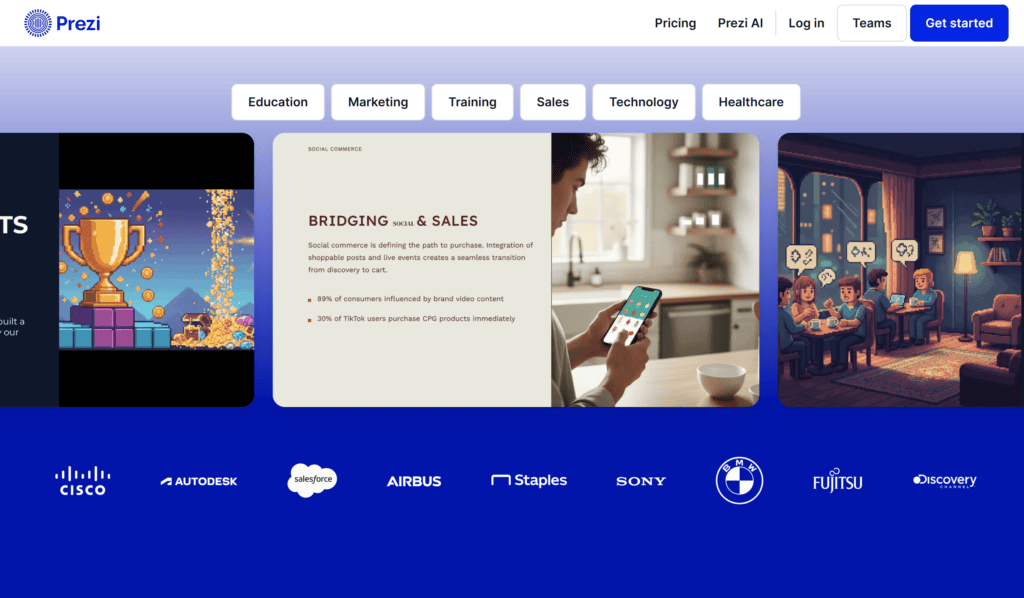
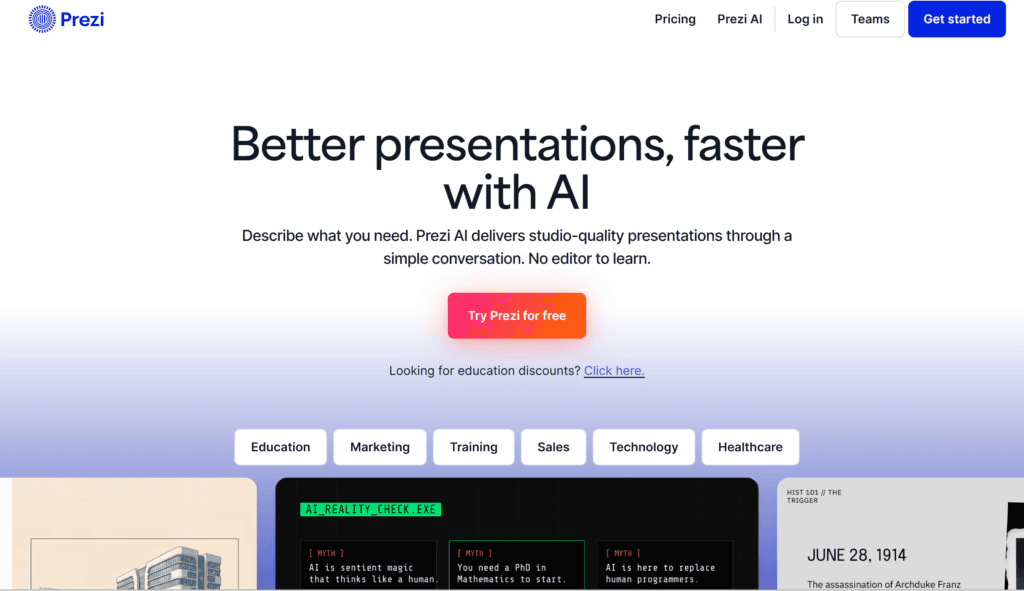
7. Prezi — Useful for Story-Driven Sponsor Presentations
Prezi can be useful when you want a more dynamic presentation style.
Traditional decks move:
Slide 1 → Slide 2 → Slide 3
Prezi can create a more visual, spatial presentation experience.
How I would use it
I might build a sponsorship story around one central idea:
Audience → Content → Brand Opportunity → Campaign → Results
The sponsor can visually see how the different elements connect.
This can be especially interesting for creative agencies, events, and experiential campaigns.
What I like about this workflow
It can make a presentation feel more like a visual story than a stack of slides.
Best for
- Creative agencies
- Events
- Campaign proposals
- Storytelling presentations
8. Tome — Useful for Narrative-Style Pitch Presentations
Tome can be useful for creating visually oriented presentations around a story or idea.
How I would use it
I would frame the pitch around the sponsor’s problem.
For example:
Challenge:
The brand wants to reach younger consumers.
Audience:
My platform reaches the exact demographic.
Opportunity:
Create a creator-led campaign.
Execution:
Three Reels + Stories + giveaway.
Outcome:
Increase awareness and engagement.
This makes the deck feel like a solution rather than a list of personal achievements.
What I like about this workflow
The narrative approach encourages me to think about the sponsor’s objectives.
Best for
- Creative pitches
- Campaign concepts
- Brand partnerships
- Story-driven proposals
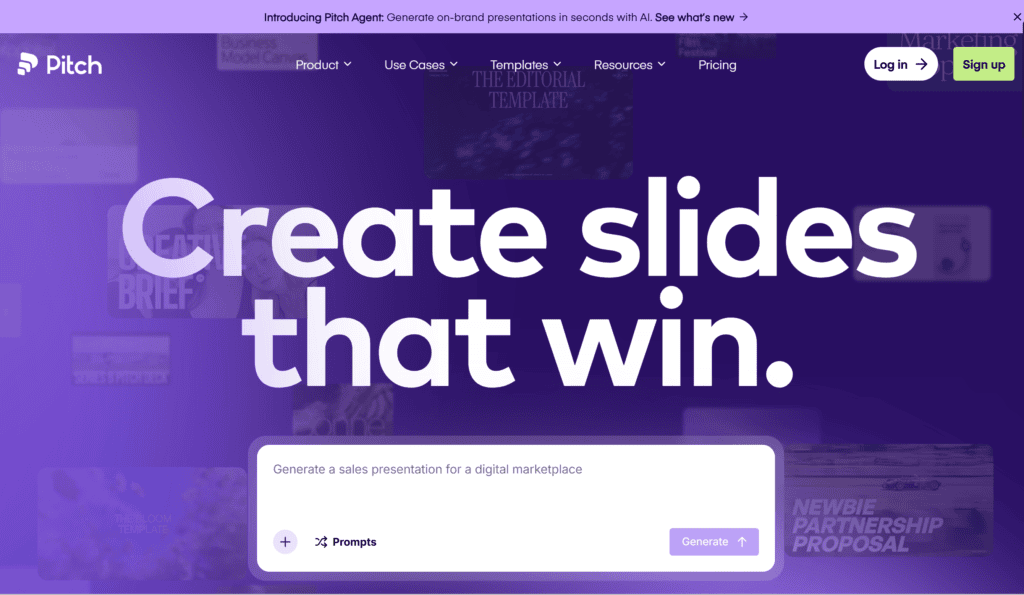
9. Pitch — Useful for Structured Business Pitch Decks
Pitch is designed around collaborative presentations and business storytelling.
How I would use it
For a sponsor proposal, I’d keep the presentation relatively short.
A possible structure:
Slide 1
Brand partnership proposal
Slide 2
Who we are
Slide 3
Our audience
Slide 4
Why the audience matches your brand
Slide 5
Content performance
Slide 6
Campaign opportunity
Slide 7
Deliverables
Slide 8
Previous results
Slide 9
Investment
Slide 10
Next steps
What I like about this workflow
It keeps me focused on the business case rather than filling the deck with unnecessary information.
Best for
- Business partnerships
- Agencies
- Sponsorship proposals
- Professional pitches
What Information Should You Give an AI Pitch Deck Builder?
AI needs raw material.
Before opening your presentation tool, prepare this information.
Personal or company information
- Name
- Brand name
- Industry
- Location
- Short bio
Audience information
- Audience size
- Age range
- Gender distribution
- Geographic location
- Interests
Platform information
- Instagram followers
- TikTok followers
- YouTube subscribers
- Website traffic
- Newsletter subscribers
Only include figures you can substantiate.
Performance
Include:
- Average views
- Reach
- Engagement
- Clicks
- Previous campaign results
Again, use real data.
Show the Sponsor Why Your Audience Matters
Follower count alone isn’t enough.
Imagine two creators:
Creator A
500,000 followers
But only 2% are in the sponsor’s target market.
Creator B
80,000 followers
But 65% match the sponsor’s target audience.
Creator B may be much more relevant.
That’s why your deck should emphasize audience fit.
Create a Strong Audience Slide
A useful audience slide could include:
120K+
Instagram followers
68%
Women
18–34
Primary age group
74%
Audience from target market
Then add a short explanation:
“Our community consists primarily of young Pakistani women interested in beauty, fashion, lifestyle, and affordable product recommendations.”
The numbers should come from your actual analytics.
Don’t Overload the Pitch Deck With Statistics
More data doesn’t automatically mean more credibility.
A sponsor doesn’t need 30 analytics screenshots.
Choose the statistics that support the partnership.
For example:
- Audience size
- Audience demographics
- Average reach
- Engagement
- Website traffic
- Previous campaign results
Then explain why those numbers matter.
Create Sponsorship Packages
This is one of the most important parts of the deck.
Instead of saying:
“I can promote your brand.”
Offer clear packages.
For example:
Starter Package
- 1 Instagram Reel
- 3 Stories
- Product mention
Growth Package
- 2 Reels
- 5 Stories
- 1 carousel
- Giveaway
Campaign Package
- 4 Reels
- 10 Stories
- 2 carousels
- Dedicated campaign concept
Pricing depends entirely on your audience, market, deliverables, production costs, usage rights, and negotiation.
Don’t let AI randomly determine your rates without understanding your actual business.
Give the Sponsor a Campaign Idea
This can make a huge difference.
Don’t simply say:
“I will post your product.”
Instead:
Campaign: “7 Days With [Product]”
The creator uses the product for a week and documents the experience through short-form content.
Deliverables:
- Day 1 introduction
- Day 3 update
- Day 7 result
- Stories
- Final Reel
Now the sponsor sees an actual campaign.
Use AI to Generate Sponsorship Campaign Concepts
A useful prompt is:
“Generate 10 original sponsorship campaign concepts for a beauty creator partnering with a skincare brand. The creator’s audience is women aged 18–34. Each concept should include the campaign idea, content format, audience interaction, sponsor integration, and suggested CTA. Avoid generic product-placement ideas.”
AI can generate the brainstorming material.
Then I select the ideas that actually make sense for the brand.
Create a “Why Us?” Slide
This slide should answer:
Why should the brand work with you instead of another creator?
Possible differentiators include:
- Niche expertise
- Strong local audience
- High engagement
- Professional production
- Unique content style
- Previous campaign experience
- Strong community trust
- Access to a specific demographic
Don’t say:
“I’m the best creator.”
Show why you’re relevant.
Include Previous Sponsorship Results
If you’ve worked with brands before, show measurable outcomes where you have permission to share them.
For example:
Campaign A
Reach: 185K
Views: 240K
Engagement: 8.4K
Clicks: 1,200
If the brand allows you to disclose the information, a simple case-study slide can be much stronger than a paragraph saying:
“Brands love working with me.”
Use Testimonials Carefully
A short testimonial can add credibility.
For example:
“The content generated strong engagement and matched our brand voice perfectly.”
But make sure the testimonial is genuine and you have permission to use it.
Never ask AI to invent testimonials.
Design the Cover Slide Properly
The first slide doesn’t need ten pieces of information.
A strong cover could contain:
CREATOR × BRAND
Partnership Proposal
Creator Name
2026
Then use one strong visual.
The purpose is to create a professional first impression.
Keep the Deck Short
A sponsorship pitch deck doesn’t need to be 40 slides.
For many creator partnerships, around 8–15 strong slides can be enough.
Every slide should have a purpose.
If a slide doesn’t help answer:
Who are you?
Who is your audience?
Why are you valuable?
What can you offer?
or
Why should the sponsor care?
consider removing it.
Use AI to Improve Slide Copy
After creating the deck, I can give the text to AI and ask:
“Rewrite this sponsorship pitch deck copy so it sounds confident, concise, professional, and human. Avoid exaggerated marketing language. Keep all statistics and factual claims unchanged.”
This is particularly useful for removing robotic language.
For example:
Instead of:
“We provide unparalleled opportunities for brands to leverage our highly engaged audience.”
write:
“Our content connects brands with a highly engaged audience of young Pakistani consumers interested in lifestyle and beauty.”
The second sentence feels more natural.
Use AI to Find Weak Slides
Another useful prompt:
“Review this sponsorship pitch deck as if you were a marketing manager deciding whether to approve a creator partnership. Identify the three weakest slides, missing information, unsupported claims, confusing sections, and questions you would still have before approving the partnership.”
This is extremely useful.
You’re asking AI to simulate the sponsor’s perspective.
What Brands Actually Want to Know
A sponsor may silently ask:
Does the audience match our customers?
Is the creator credible?
Can they produce good content?
What will we receive?
How much will it cost?
Can we use the content in our advertising?
When will the campaign run?
Have they worked with brands before?
What results have previous campaigns produced?
What makes this partnership different?
Your pitch deck should answer as many of these questions as possible.
Don’t Hide Content Usage Rights
This is an important business detail.
A sponsor may want to use your content:
- On its social media
- On its website
- In paid ads
- On product pages
- In email campaigns
Those are different rights.
If paid advertising usage is included, state it clearly.
If it costs extra, state that separately.
AI can help organize the language, but you should make sure the terms accurately reflect your actual agreement.
AI Prompt for a Sponsor-Focused Pitch Deck
Use a prompt like:
“Create a 12-slide sponsorship pitch deck for [creator/brand]. The goal is to secure a partnership with [brand]. Audience: [real audience information]. Platforms: [real platform statistics]. Content niche: [niche]. Previous campaign results: [real results]. Proposed deliverables: [deliverables]. Campaign idea: [idea]. Tone should be professional, confident, concise, and human. Do not invent statistics, testimonials, partnerships, audience demographics, or campaign results. Use placeholders for missing information.”
This is much safer and more effective than asking AI to fill in the blanks.
Common Pitch Deck Mistakes
1. Making it all about yourself
Sponsors care about what you can do for them.
2. Inflating numbers
Never exaggerate statistics.
3. Using fake engagement
Sponsors can often verify performance.
4. Too much text
Keep slides concise.
5. No campaign idea
Show the sponsor what the partnership could look like.
6. No clear deliverables
Be specific.
7. No pricing structure
If appropriate, provide packages or explain that pricing is customized.
8. Ignoring usage rights
Clarify content licensing and advertising usage.
9. Poor design
A sponsor pitch should look professional.
10. No call to action
End with a clear next step.
How I Would Build a Sponsor Pitch Deck From Scratch
Here’s the complete workflow I would follow.
Step 1: Collect real data
Export your analytics.
Step 2: Define the sponsor
Research the brand’s target audience and marketing objectives.
Step 3: Identify the partnership opportunity
Decide what you can genuinely offer.
Step 4: Create the storyline
Use AI to structure the presentation.
Step 5: Choose a presentation builder
Use Canva, Gamma, PowerPoint/Copilot, or another suitable tool.
Step 6: Add your visuals
Use professional photos, screenshots, product images, and analytics.
Step 7: Add sponsorship packages
Make deliverables clear.
Step 8: Add campaign concepts
Show creativity.
Step 9: Review the deck as a sponsor
Ask:
Would I invest based on this presentation?
Step 10: Remove unnecessary slides
Keep only useful information.
Step 11: Proofread
Check every number and claim.
Step 12: Export
PDF is usually convenient for emailing.
Best Free AI Pitch Deck Builders at a Glance
| Tool | Best For |
|---|---|
| Canva | Creator and visual sponsorship decks |
| Gamma | AI-generated presentation structure |
| Beautiful.ai | Professional business presentations |
| SlidesAI | Turning written content into slides |
| Microsoft Copilot | PowerPoint workflows |
| Google Slides + Gemini | Collaborative presentations |
| Prezi | Visual storytelling |
| Tome | Narrative presentations |
| Pitch | Business partnership decks |
The exact free features and usage limits can change, so check each platform’s current plan before building a complete deck around a particular feature.
Final Thoughts
A sponsor pitch deck doesn’t need to be complicated.
It needs to be clear, credible, relevant, and visually professional.
Free AI presentation tools can dramatically reduce the time required to build one.
But the tool itself isn’t what convinces a sponsor.
Your real audience does.
Your content quality does.
Your engagement does.
Your campaign idea does.
And your ability to explain how the partnership benefits the brand does.
That’s why I would never start a sponsor deck by asking AI to “make me a professional pitch.”
I’d start with the facts.
Who am I?
Who follows me?
What do they care about?
What can I create?
What has worked previously?
What does the sponsor need?
What campaign can we build together?
Then I use AI to organize those answers into a compelling presentation.
My preferred process is:
Real data → Sponsor research → Partnership idea → AI structure → Professional design → Human editing → Fact-checking → Final pitch.
That approach gives you something much more valuable than a pretty presentation.
It gives you a pitch that actually communicates a business opportunity.
And that’s what a good sponsorship deck should do.
It should make the brand look at your audience, your content, and your campaign idea and think:
“This partnership makes sense.”
Frequently Asked Questions
What is the best free AI pitch deck builder?
Canva and Gamma are strong starting points for creators and small businesses. PowerPoint with AI assistance can be useful if you already work in Microsoft’s ecosystem.
Can AI create a complete sponsorship pitch deck?
Yes, AI can help generate the structure, slide copy, layouts, and presentation ideas. However, you should replace generic content with your real audience statistics, campaign results, pricing, and partnership details.
What should an influencer include in a sponsor pitch deck?
Include your bio, audience demographics, platform statistics, engagement information, content examples, previous collaborations, sponsorship opportunities, deliverables, campaign ideas, pricing or package information, and contact details.
How many slides should a sponsorship deck have?
There is no fixed rule, but keeping the deck concise is usually better than creating dozens of slides. Around 8–15 focused slides can work well for many creator sponsorship proposals.
Should I include my follower count?
Yes, but don’t rely on it alone. Audience demographics, engagement, reach, content quality, and relevance to the sponsor can be more useful than follower count by itself.
Can AI invent my sponsorship campaign idea?
It can brainstorm ideas, but you should select and refine the concepts based on the sponsor’s actual products, audience, brand identity, and campaign objectives.
Should I include pricing in my pitch deck?
It depends on your sales strategy. Some creators provide packages directly, while others use the deck to start a conversation and customize pricing based on deliverables, usage rights, exclusivity, and campaign duration.
Can I use AI to create my media kit?
Yes. AI can help structure your media kit and presentation, while tools such as Canva can help with visual design.
Should I send the pitch deck as a PowerPoint file?
A PDF is often convenient for initial outreach because the formatting is less likely to change between devices. Keep the editable source file for future updates.
Check out here if you want to know about Free Canva AI vs Adobe Express AI: Which Is Better for Graphics?