
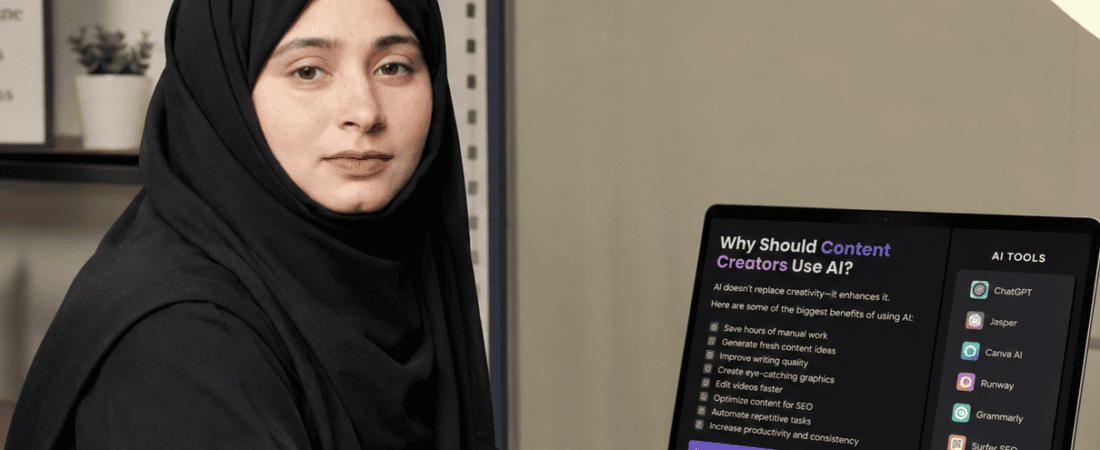
Best Free AI Tools for Content Creators:
Creating high-quality content takes time. However, AI tools make the process much easier. Today, bloggers, YouTubers, designers, and marketers use AI to create content faster and more efficiently.
Fortunately, many powerful AI tools are free to use. As a result, beginners and professionals can improve their workflow without spending a lot of money. In addition, these tools help with writing, graphic design, video editing, voiceovers, and research.
In this guide, you’ll discover the best free AI tools for content creators in 2026. You’ll also learn the key features, advantages, disadvantages, and ideal use cases for each tool. By the end of this article, you’ll know which AI tools are worth trying first.
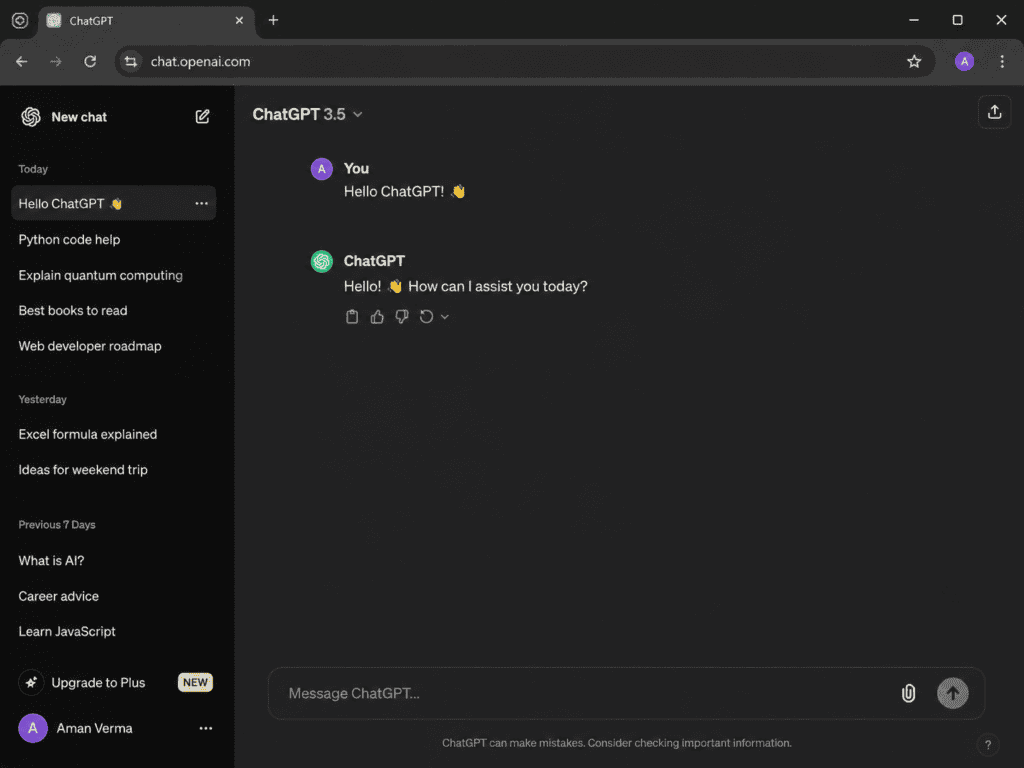
ChatGPT
To begin with, ChatGPT is one of the most versatile AI assistants available today. Not only can it generate blog posts, but it can also create YouTube scripts, social media captions, emails, product descriptions, and creative ideas. As a result, it helps content creators save time while improving productivity.
Best Features
- Blog writing assistance
- Script writing
- Social media captions
- Content planning
- Brainstorming ideas
- Prompt generation
Free Plan
Yes
Best For
Bloggers, marketers, YouTubers, freelancers, and students.
Pros
- Easy to use
- High-quality writing
- Saves hours of work
- Supports multiple writing styles
Cons
- Some advanced features require a paid plan.
In 2026, free AI tools are making content creation faster and easier—from writing and research to graphic design, video editing, captions, voiceovers, and content planning.
In this guide, we’ve explored the best free AI tools for content creators in 2026, focusing on practical features, real use cases, and free-plan limitations.
Whether you’re a blogger, YouTuber, graphic designer, social media manager, or aspiring creator, discover tools that can help you save time and create professional content without a big budget.
👉 Read the full guide and build your free AI content creation toolkit today!
#AITools #AIContentCreation #ContentCreators #FreeAITools #AI2026 #ContentCreation #AIMarketing #SocialMediaTools #AIWritingTools #AIVideoTools
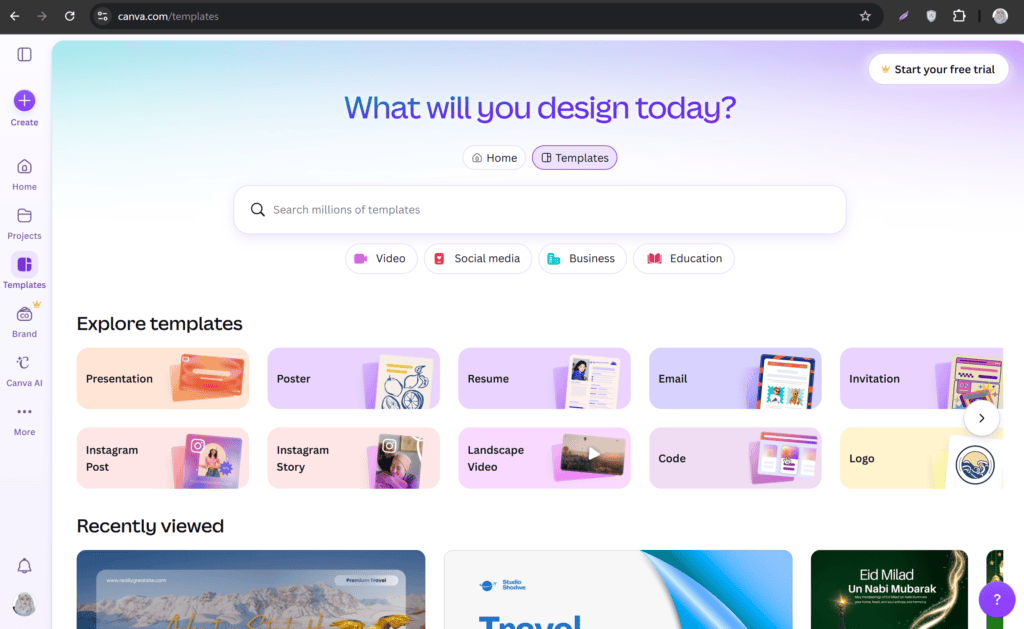
Canva AI
Moreover, Canva has become one of the most popular design platforms for content creators. It not only helps users create presentations, social media graphics, thumbnails, posters, and marketing materials, but it also offers powerful AI features that speed up the design process. As a result, even beginners can create professional-looking designs without advanced design skills. In addition, Canva provides thousands of ready-made templates, making it easy to start any project. Overall, it is an excellent choice for creators who want to save time while producing high-quality visual content.
Best Features
- Magic Design
- AI image generation
- Background remover
- One-click resizing
- Ready-made templates
Free Plan
Yes
Best For
Graphic designers, social media managers, and small businesses.
Pros
- Beginner-friendly
- Thousands of templates
- Fast design workflow
Cons
- Some premium templates require Canva Pro.
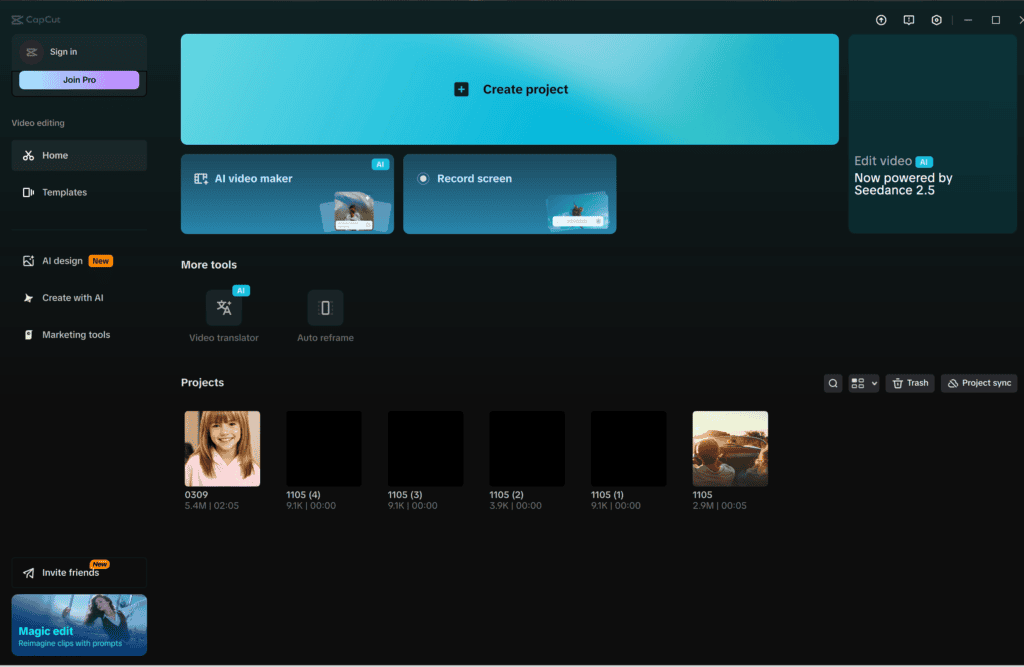
CapCut AI
Next, CapCut is an excellent free video editor packed with powerful AI features. In particular, it helps creators edit videos for TikTok, Instagram Reels, YouTube Shorts, and Facebook with ease. As a result, users can create professional-looking videos in less time. In addition, CapCut offers an easy-to-use interface, making it suitable for both beginners and experienced creators. Overall, it is one of the best free AI video editing tools for creating engaging short-form content.
Best Features
- Auto captions
- AI voice enhancement
- Background removal
- Text-to-speech
- Video effects
Free Plan
Yes
Best For
Short-form video creators and social media marketers.
Pros
- Mobile and desktop support
- Beginner-friendly interface
- Professional editing features
Cons
- Some AI effects are limited in the free version.
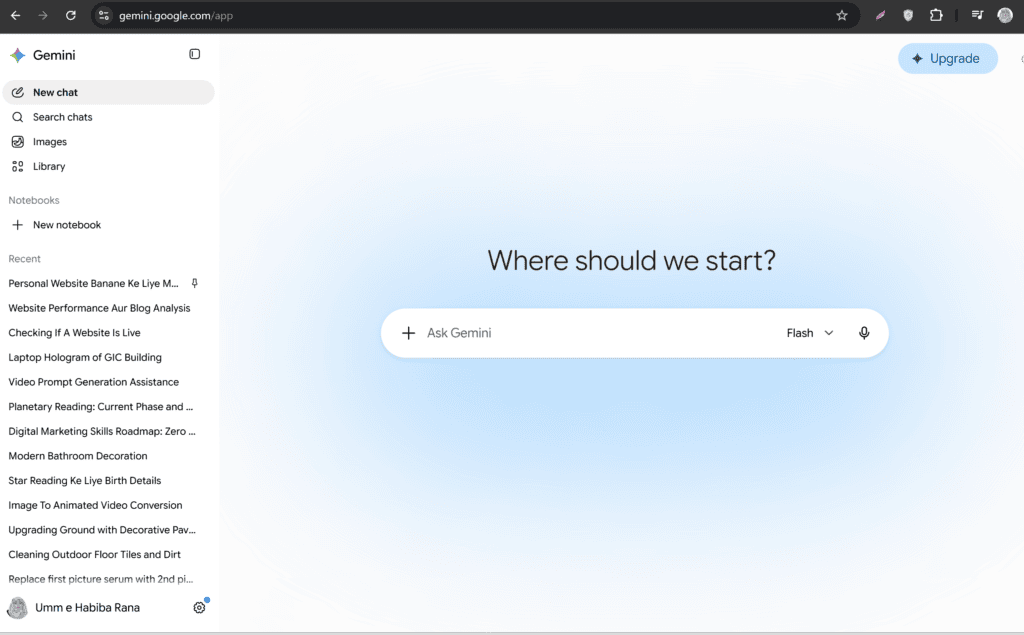
4. Google Gemini
Furthermore, Google Gemini is a powerful AI assistant that helps users research topics, summarize information, write articles, and organize ideas. In addition, it provides quick answers and useful insights for a wide range of tasks. As a result, users can complete research and create content more efficiently. Whether you’re a blogger, student, or marketer, Gemini makes it easier to find information and develop new ideas. Overall, it is an excellent free AI tool for improving productivity and content creation.
Best Features
- Research assistance
- Writing support
- Idea generation
- Content summaries
Free Plan
Yes
Best For
Writers, students, researchers, and marketers.
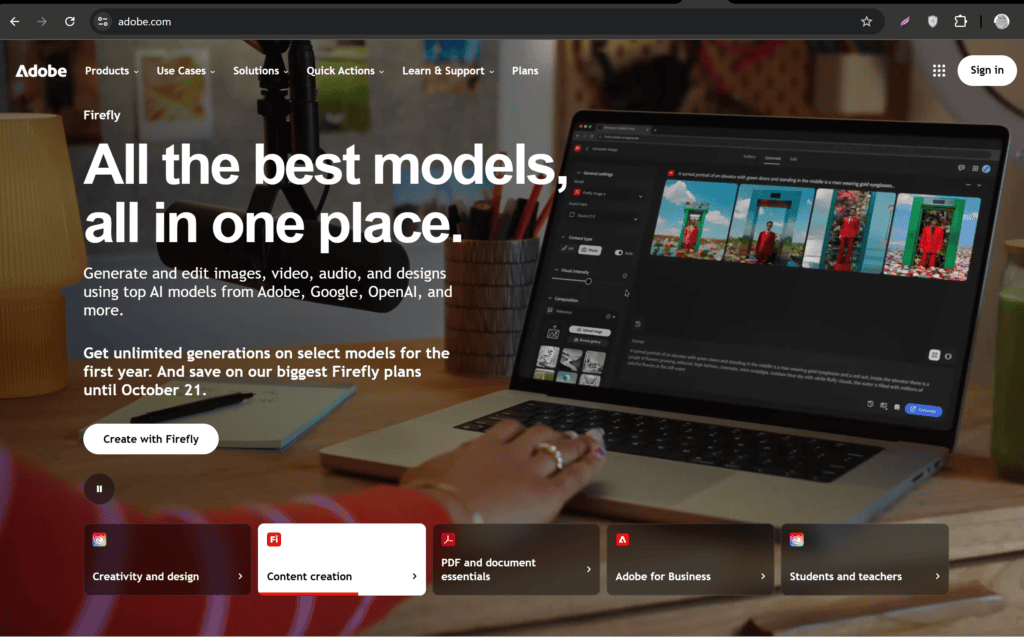
5. Adobe Express AI
Furthermore, Adobe Express combines AI with professional design tools to simplify the design process. As a result, users can quickly create eye-catching graphics, flyers, banners, and social media posts. In addition, the platform offers ready-made templates and easy editing features, making it suitable for beginners and professionals alike. Whether you’re creating content for a business or a personal brand, Adobe Express helps you produce high-quality designs with minimal effort. Overall, it is an excellent choice for fast and professional content creation.
Best Features
- AI image generation
- Quick templates
- Brand kit
- Background removal
Free Plan
Yes
Best For
Businesses, designers, and digital marketers.
Comparison Table
| Tool | Best For | Free Plan |
| ChatGPT | Writing & Ideas | ✅ |
| Canva AI | Graphic Design | ✅ |
| CapCut AI | Video Editing | ✅ |
| Google Gemini | Research & Writing | ✅ |
| Adobe Express AI | Marketing Designs | ✅ |
In conclusion, AI tools have become an essential part of modern content creation. Whether you’re a blogger, YouTuber, designer, freelancer, or social media manager, these tools can help you create better content in less time.
However, remember that AI should support your creativity rather than replace it. Therefore, always review, edit, and personalize AI-generated content before publishing.
Finally, start with a few reliable tools, build an efficient workflow, and keep learning as AI technology evolves. By doing so, you’ll improve your productivity, grow your audience, and increase your chances of building a successful online business.
Check out here if you want to know about How to Auto Generate LinkedIn Carousels Using Free AI Slide Tools