
Free AI Tools for Scheduling Automated Social Media Posts: Managing several social media accounts can quickly become a full-time job.
One day I’m creating Instagram content, the next I’m preparing Facebook posts, writing captions for TikTok, planning LinkedIn updates, checking analytics, replying to comments, and trying to remember what needs to be published tomorrow.
The actual act of publishing a post isn’t difficult.
The difficult part is doing it consistently.
That’s why social media scheduling tools have become such an important part of my workflow. Instead of opening Instagram at 10:00 AM, Facebook at noon, TikTok in the afternoon, and LinkedIn later in the evening, I can prepare my content in batches and schedule it in advance.
Adding AI to that workflow makes things even easier.
I can use AI to brainstorm post ideas, write captions, generate variations, suggest hashtags, repurpose existing content, and organize a content calendar. Then I can use a free social media scheduler to publish the content automatically at the times I’ve selected.
The result is a much more manageable workflow:
Idea → AI-assisted content → Review → Schedule → Automatic publishing → Analytics
In this guide, I’ll cover some of the best free AI-assisted social media scheduling tools, how I personally approach each one, what the free plans are useful for, their limitations, and how you can build a completely free or almost-free social media scheduling system.
What Is an AI Social Media Scheduling Tool?
An AI social media scheduling tool combines two different functions.
The first is content assistance.
The second is scheduling and publishing.
The AI side can help me with things like:
- Caption writing
- Content ideas
- Rewriting
- Hashtag suggestions
- Post variations
- Content planning
- Repurposing
- Tone adjustments
The scheduling side allows me to choose:
- Platform
- Date
- Time
- Media
- Caption
- Publishing method
Once everything is scheduled, the platform can publish eligible content automatically.
This means I don’t have to be online at the exact moment a post needs to go live.
Why I Prefer Scheduling Social Media Posts in Batches
I used to think that creating and publishing one post at a time was easier.
It wasn’t.
The problem is that every post creates a small interruption.
I have to find an image.
Then write a caption.
Then upload it.
Then add hashtags.
Then choose a time.
Then repeat the entire process tomorrow.
When I batch the work, the process feels completely different.
I can spend one session creating ten or fifteen pieces of content.
Then I schedule everything.
After that, I can focus on other work instead of constantly thinking:
“What should I post today?”
This is particularly useful for freelancers, small businesses, creators, bloggers, agencies, and social media managers.
What I Look for in a Free Social Media Scheduler
I don’t automatically choose a tool just because it says “free.”
I look at several things.
Number of social accounts
How many profiles can I connect?
Monthly posting limit
How many posts can I actually publish?
Automatic publishing
Does the platform publish automatically, or does it only remind me?
Supported networks
Can I use it for Instagram, Facebook, TikTok, LinkedIn, Pinterest, and other platforms I need?
AI features
Can AI help with captions or content ideas?
Analytics
Can I see whether my scheduled content is working?
Ease of use
Can I manage everything without constantly fighting the interface?
These details matter because some tools have generous free plans while others limit the number of posts or connected profiles.
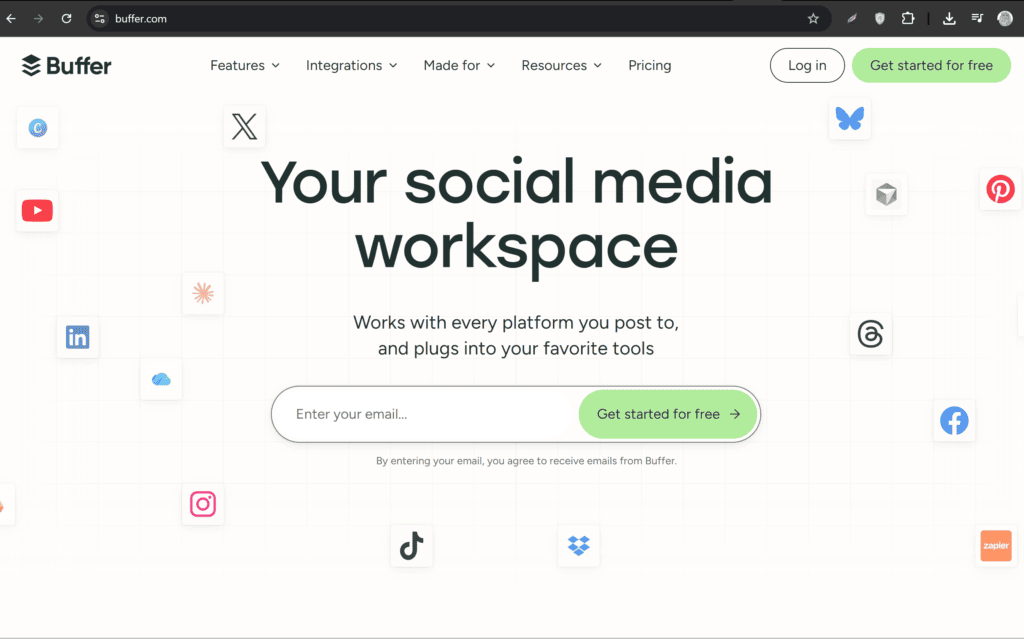
1. Buffer — One of My Favorite Simple Scheduling Options
Buffer is one of the first social media scheduling tools I would consider when I want a relatively simple workflow.
Buffer is designed around the idea of preparing content and scheduling it instead of manually publishing everything.
My experience with Buffer
What I like about Buffer is the straightforward workflow.
I can prepare a post, select the social platform, choose a time, and add it to my publishing queue.
When I’m managing content for a small brand, I don’t necessarily need a huge enterprise dashboard.
Sometimes I just want:
Create → Schedule → Done.
I also like using AI separately when necessary.
For example, I might first ask an AI assistant:
“Write five short Instagram captions for a clothing brand launching a summer collection. Keep them conversational and avoid generic marketing language.”
I then choose the strongest caption, adapt it to the brand, and put it into Buffer.
This separation works well for me because I can use AI for creativity and Buffer for organization.
Buffer’s own 2026 guide emphasizes batching content as a way to stay consistent and reduce the friction of publishing manually.
What I like most
The workflow is easy to understand.
Best for
- Beginners
- Freelancers
- Small businesses
- Creators
- Simple scheduling workflows
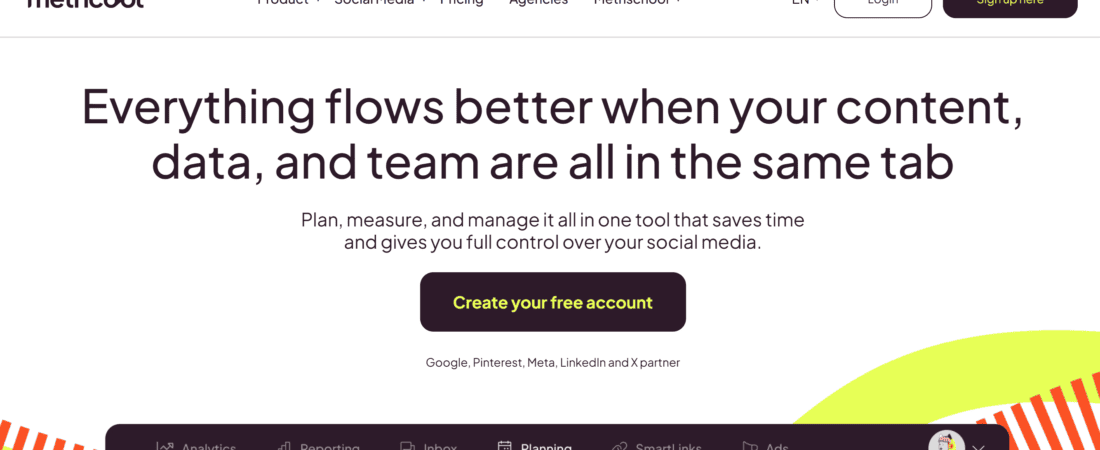
2. Metricool — My Choice When Scheduling and Analytics Matter
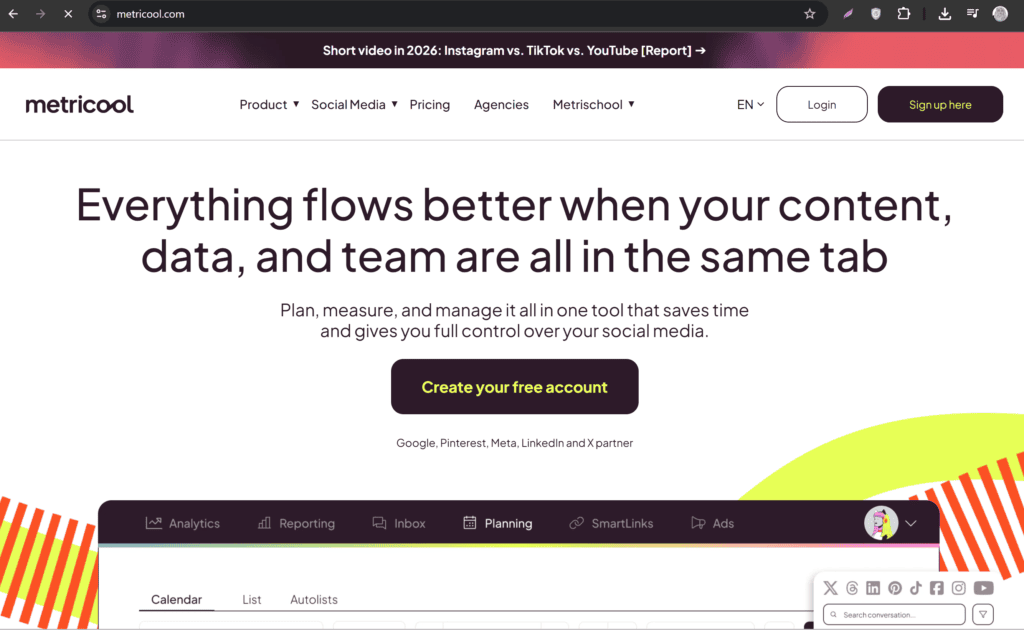
Metricool is particularly interesting to me because it combines scheduling with analytics.
Its current Free plan is genuinely useful for someone managing a small amount of content. Metricool lists one brand, up to 20 posts per month, 30 days of analytics, competitor analysis, and an AI social media assistant among its Free-plan features. The current Free plan does not include LinkedIn or X/Twitter connections.
My experience with Metricool
What I like about Metricool is that I don’t have to think of scheduling and analytics as completely separate activities.
For example, suppose I’m managing an Instagram account.
I can schedule a batch of posts and later look at how the account performed.
That changes the way I plan content.
Instead of simply asking:
“What should I post?”
I can eventually ask:
“What type of content is actually working?”
That’s a much better question.
I also like the AI assistant for getting initial caption ideas.
I might enter:
“Write a short Instagram caption for a pizza restaurant promoting a weekend family deal. Make it playful and include a clear call to action.”
Then I edit the result so it sounds like the actual brand.
One important limitation is the Free-plan posting allowance. Metricool currently limits the Free plan to 20 posts per month, although the counter resets each calendar month.
So I wouldn’t use the Free plan expecting to schedule hundreds of posts.
For one small brand, however, 20 published posts per month can still be useful.
What I like most
The combination of scheduling, analytics, competitor tracking, and AI assistance.
Best for
- Small businesses
- Freelancers
- Social media managers
- People who care about analytics
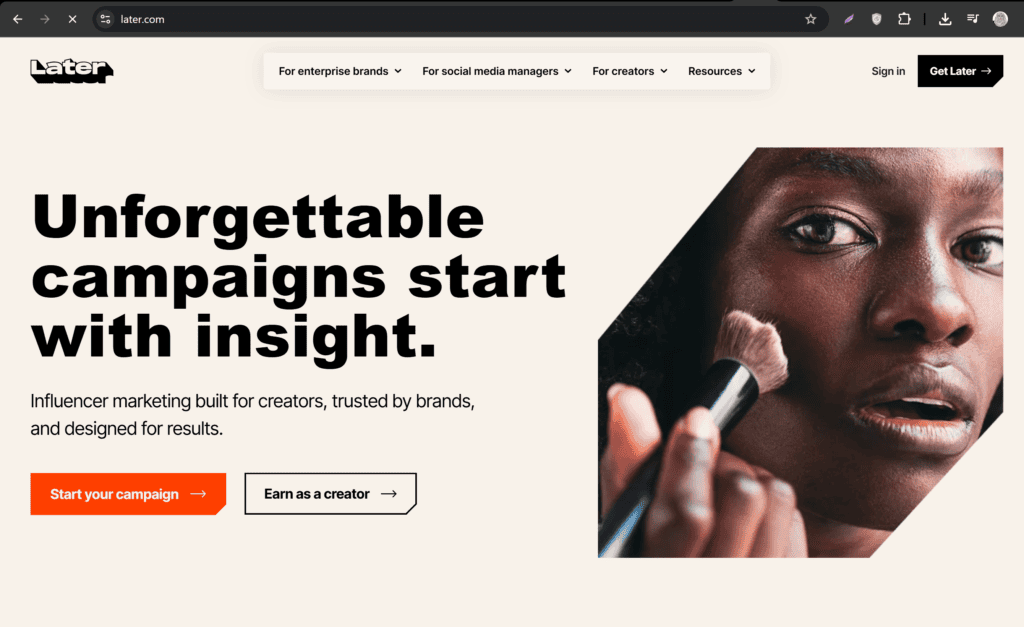
3. Later — Excellent for Visual Social Media Content
Later is another popular scheduling platform, particularly useful for visually focused social media.
Later’s current Free plan includes limited post scheduling, a customizable Link in Bio page, introductory analytics, and one Access Group. Later describes the Free plan as being designed for creators who need limited monthly scheduling.
My experience with Later
I find Later particularly appealing when I’m working with visual content.
For example, if I’m preparing an Instagram campaign, I don’t just want to know what the caption says.
I also want to think about how the content looks as a sequence.
I can prepare:
- Product images
- Reels
- Promotional graphics
- Educational posts
- Brand announcements
and organize them around a publishing schedule.
Later also supports Instagram Reel scheduling on its Free plan. Its current documentation says Reels can be scheduled on all Later plans, including Free, and eligible Instagram business and creator accounts can use Auto Publish.
That makes it particularly interesting for creators who publish a lot of visual content.
What I like most
The visual planning aspect.
Best for
- Instagram creators
- Visual brands
- Influencers
- Fashion businesses
- Product-based businesses
4. Canva — My Choice for Combining Design and Scheduling
Canva is slightly different from dedicated social media scheduling platforms.
I don’t think of Canva only as a scheduler.
For me, it’s primarily a design tool that can also fit into a social media publishing workflow.
My experience with Canva
This is useful when I’m creating the actual graphic and scheduling it in the same environment.
For example, suppose I need to create:
“5 AI Tools Every Freelancer Should Try.”
I can design the carousel, create the visual layout, write the caption, and then prepare it for publishing.
That eliminates some unnecessary file switching.
My favorite part of this workflow is that the content and design stay together.
Instead of:
Design → Download → Open scheduler → Upload → Copy caption → Schedule
I can keep more of the workflow in one place.
I still use separate AI tools when I need more advanced brainstorming or writing.
For example:
“Give me 10 short carousel headlines for a post about free AI tools for freelancers.”
I can then choose one and build the visual around it.
What I like most
Design and social content creation can happen in the same workflow.
Best for
- Graphic designers
- Social media managers
- Small businesses
- Content creators
- Visual brands
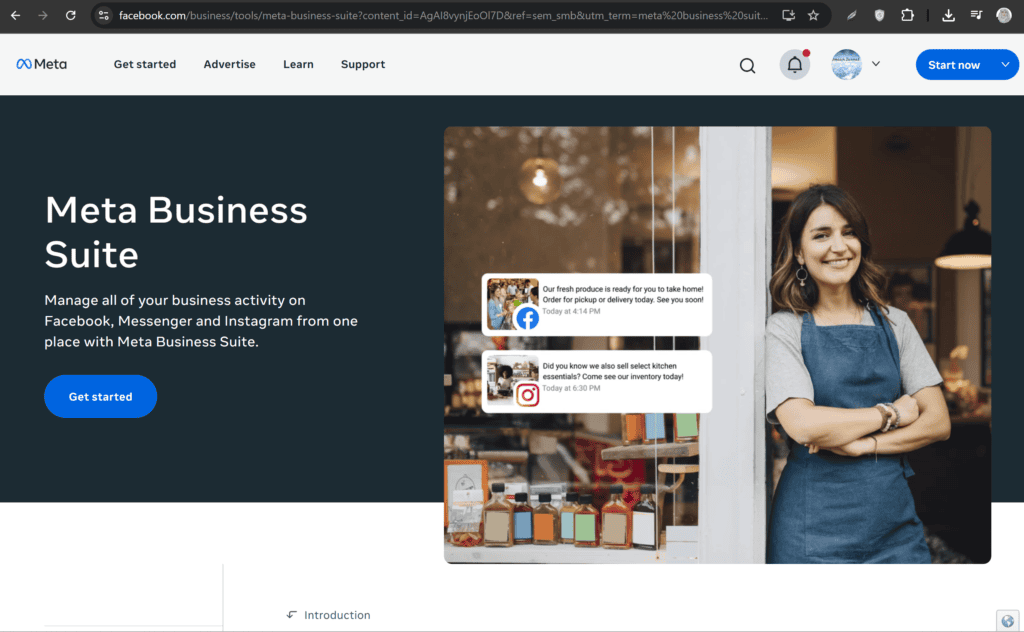
5. Meta Business Suite — My Go-To Free Option for Facebook and Instagram
Meta Business Suite is one of the most useful options when the main platforms I need to manage are Facebook and Instagram.
One reason I like it is simple:
It’s built by Meta for Meta’s own platforms.
My experience with Meta Business Suite
If I’m managing a Facebook Page and Instagram business account, I don’t always need an external scheduler.
I can prepare content and schedule it through Meta’s own ecosystem.
For a small business, that can be enough.
I might prepare a week’s worth of posts:
Monday: Product post
Tuesday: Educational post
Wednesday: Reel
Thursday: Customer testimonial
Friday: Promotional post
Then schedule them ahead of time.
For captions, I can use an AI assistant separately.
For example:
“Rewrite this Facebook caption so it sounds friendly and local. Keep the offer details unchanged.”
Then I paste the final version into Business Suite.
What I like most
It’s particularly convenient when my main channels are Facebook and Instagram.
Best for
- Facebook Pages
- Instagram business accounts
- Small businesses
- Local businesses
- Meta-focused campaigns
6. Publer — Useful for Content Scheduling and Repurposing
Publer is another platform worth considering when I want a more structured scheduling workflow.
My experience with Publer
I like the idea of preparing one piece of content and adapting it for different platforms.
For example, suppose I write:
“Three ways AI can save freelancers time.”
The same idea doesn’t necessarily need the same caption everywhere.
I might create:
Instagram: Short and conversational
Facebook: Slightly more explanatory
LinkedIn: Professional and insight-focused
Pinterest: Keyword-focused
AI can help me create these variations.
Then I can schedule the platform-specific versions.
That is much better than copying the exact same sentence everywhere.
What I like most
It encourages me to think about content repurposing rather than simple cross-posting.
Best for
- Freelancers
- Agencies
- Content creators
- Small businesses
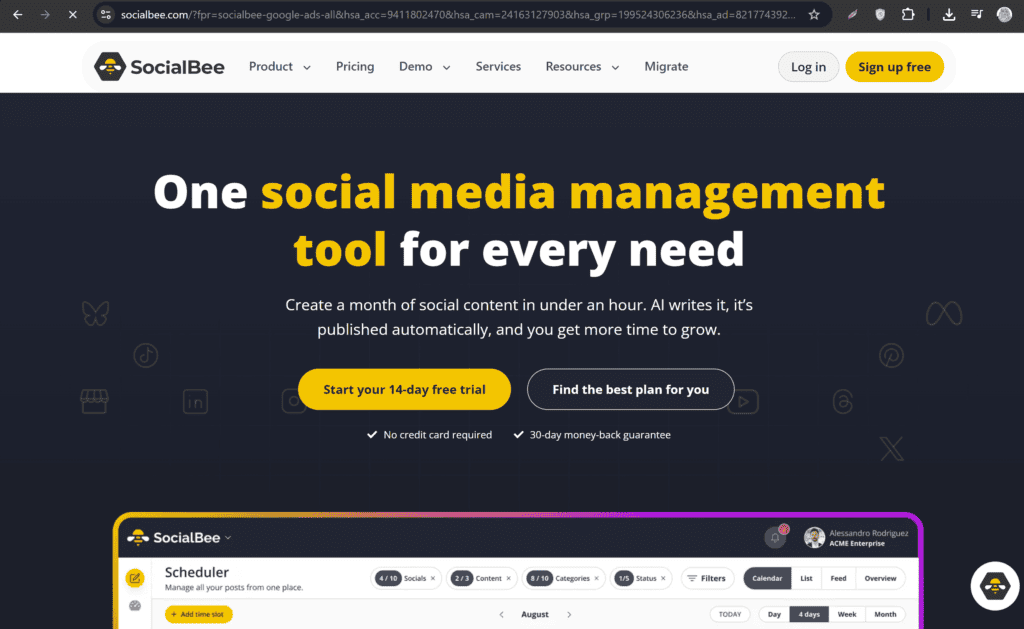
7. SocialBee — Better for People Who Want Content Categories
SocialBee is another platform I would consider when content organization becomes important.
Its current pricing page emphasizes features such as content categories, content sources, AI content generation, and analytics, but SocialBee’s current offering is primarily built around paid plans with a 14-day trial rather than a permanent free plan.
My experience with SocialBee
What I like about the category approach is that it forces me to think about content balance.
For example, I might create categories such as:
Educational
Promotional
Behind the scenes
Customer stories
Tips
Industry news
Then I can make sure my calendar doesn’t become 90% promotional posts.
That’s important.
AI makes it easy to generate content, but generating more content doesn’t automatically make a social media strategy better.
The content still needs variety.
What I like most
The category-based approach to planning.
Best for
- Content-heavy accounts
- Businesses
- Agencies
- Structured social strategies
Free vs Free Trial: Don’t Confuse the Two
This is something I always check before recommending a scheduling tool.
There are two very different meanings of “free.”
Permanent free plan
You can continue using the free tier without paying.
Free trial
You get premium features temporarily, usually for a limited number of days.
For example, SocialBee currently advertises a 14-day free trial rather than positioning its main plans as a permanent free tier.
Later, on the other hand, currently lists a Free plan with limited scheduling capabilities.
Metricool also explicitly states that its Free plan doesn’t expire.
So before choosing a tool, I always check whether I’m getting:
Free forever
or:
Free for 14/30 days.
How I Use AI to Create a Month of Social Media Posts
Scheduling is only half of the problem.
I still need content.
This is where AI becomes incredibly useful.
Suppose I’m managing a clothing brand.
I might ask AI:
“Create a 30-day social media content plan for a women’s clothing brand. Include educational posts, styling tips, product promotions, customer-focused content, behind-the-scenes posts, seasonal content, and engagement questions. Avoid repeating the same idea.”
Now I have a content calendar.
Then I can expand individual ideas.
For example:
Day 1: New collection announcement
Day 2: Styling tip
Day 3: Customer testimonial
Day 4: Behind the scenes
Day 5: Product spotlight
and so on.
My AI Prompt for Writing Social Media Captions
I prefer giving AI specific instructions.
For example:
“Write a natural Instagram caption for [brand/product]. The target audience is [audience]. The goal is [sales/engagement/awareness]. Keep it under [number] words. Use a conversational tone and avoid generic phrases such as ‘level up,’ ‘game changer,’ and ‘don’t miss out.’ End with a simple call to action.”
The last instruction is useful because otherwise AI often produces predictable marketing language.
Generate Multiple Caption Versions
I rarely settle for the first AI caption.
I’ll ask for:
Version 1: Friendly
Version 2: Funny
Version 3: Professional
Version 4: Short
Then I choose the one that fits the brand.
This takes very little time.
Create Platform-Specific Posts
One of the biggest mistakes I see is publishing exactly the same content everywhere.
I don’t recommend that.
The same idea can be adapted.
Visual and concise.
More conversational.
Professional and insight-driven.
TikTok
Short, energetic, and hook-focused.
Search-friendly and descriptive.
AI is useful for creating these variations quickly.
My Workflow for Automated Social Media Scheduling
Here’s the process I personally find easiest.
Step 1: Create the content strategy
Decide what topics the brand should talk about.
Step 2: Generate ideas with AI
Create 20–30 potential posts.
Step 3: Remove weak ideas
AI can generate quantity very easily.
Quality still needs human judgment.
Step 4: Write captions
Generate several versions where necessary.
Step 5: Create graphics
Use Canva or another design tool.
Step 6: Prepare platform-specific versions
Don’t blindly duplicate everything.
Step 7: Upload to scheduler
Add images, videos, captions, and links.
Step 8: Choose dates and times
Use audience data where available.
Step 9: Review the calendar
Check for repetition.
Step 10: Schedule
Let the platform publish eligible content automatically.
Don’t Schedule Everything Automatically
Automation is useful, but I don’t recommend disappearing completely after scheduling a month’s worth of posts.
Some content needs real-time attention.
For example:
- Breaking news
- Major industry events
- Customer complaints
- Trending conversations
- Sensitive topics
- Unexpected brand situations
A post that was perfectly appropriate yesterday might become inappropriate after today’s events.
That’s why I like scheduled content + active monitoring rather than completely hands-off automation.
Use Analytics to Improve Your Schedule
Scheduling shouldn’t be a set-and-forget activity.
After publishing, I look at:
- Reach
- Engagement
- Saves
- Shares
- Comments
- Clicks
- Follower growth
Then I ask:
Which topics performed best?
Which formats generated the most engagement?
Which posting times worked?
Which posts received almost no response?
Analytics help me create better content for the next batch.
Metricool’s current Free plan includes 30 days of analytics, which can be enough to start learning from your content performance.
How to Build a Completely Free Social Media Workflow
You don’t necessarily need to pay for several expensive platforms.
A simple workflow can look like this:
AI writing
Use a free AI assistant to brainstorm and draft captions.
Design
Use Canva’s free tools to create graphics.
Scheduling
Use Meta Business Suite for Facebook and Instagram.
Analytics
Use the native platform analytics.
This can be enough for a small brand.
If I need broader scheduling across multiple networks, I might test a platform such as Metricool, Later, Buffer, or Publer and see which free tier fits my publishing volume.
Example: My Free Workflow for a Small Business
Imagine I’m managing a local restaurant.
I want to publish 20 posts next month.
Monday
AI generates 20 ideas.
Tuesday
I choose the best 15–20.
Wednesday
I write captions.
Thursday
I create graphics and edit videos.
Friday
I upload everything into the scheduler.
Then I schedule:
Monday: Food photo
Tuesday: Customer review
Wednesday: Reel
Thursday: Behind-the-scenes
Friday: Offer
Saturday: Engagement post
Sunday: Product highlight
Now I don’t need to create a post every morning.
Example: My Workflow for a Personal Brand
For a personal brand, I might use different content pillars.
Education
Tips and tutorials.
Experience
Personal lessons.
Opinion
Industry observations.
Case studies
Results and examples.
Behind the scenes
How I work.
Resources
Useful tools.
AI can generate ideas under each pillar.
For example:
“Give me 10 educational LinkedIn post ideas about graphic design.”
Then:
“Turn idea #4 into a 7-slide carousel.”
Then:
“Write a short LinkedIn caption for the carousel.”
Then I schedule it.
This creates a complete content pipeline.
Why AI-Generated Posts Still Need Editing
AI is excellent at producing a first draft.
It isn’t automatically excellent at representing your brand.
I always check for:
- Repetition
- Generic wording
- Incorrect facts
- Strange phrases
- Overuse of emojis
- Unnecessary hashtags
- Unsupported claims
- Incorrect product details
One of the easiest ways to make AI content feel more human is to add something AI doesn’t know.
Your actual experience.
For example:
Instead of:
“Consistency is important for social media success.”
I might write:
“I used to spend hours trying to create the perfect post every day. Once I started batching content on Fridays, managing the account became much easier.”
That’s more personal.
Don’t Let AI Create Fake Engagement
Another mistake is using AI to generate fake comments or pretending that customers said something they didn’t say.
I don’t recommend this.
AI should help you communicate with real customers, not manufacture fake social proof.
If you use testimonials, reviews, or customer stories, make sure they’re genuine and authorized for use.
How Many Posts Should I Schedule?
There isn’t one universal answer.
It depends on:
- Platform
- Audience
- Content type
- Business
- Resources
- Posting frequency
- Content quality
I would rather schedule five genuinely useful posts than thirty repetitive ones.
Consistency matters, but quality still matters.
Which Tool Should You Choose?
Here’s how I would narrow the options.
| Tool | My Best Use | Free Situation |
|---|---|---|
| Buffer | Simple scheduling | Free tier available; limits apply |
| Metricool | Scheduling + analytics | Permanent Free plan |
| Later | Visual content | Permanent Free plan with limits |
| Canva | Design + social workflow | Free tools available |
| Meta Business Suite | Facebook + Instagram | Native free option |
| Publer | Structured scheduling | Free tier available; limits apply |
| SocialBee | Content categories | Free trial rather than permanent free plan |
Metricool’s current Free plan is particularly transparent about its limits: one brand, up to 20 published posts per month, 30 days of analytics, and five AI text-generation credits per month.
Later’s current Free plan is more focused on limited scheduling for creators, while its paid tiers expand scheduling capacity and analytics.
My Favorite Combination for Beginners
If I were starting from zero and wanted to spend nothing, I’d keep the system simple.
For content ideas
AI assistant.
For graphics
Canva.
For Facebook and Instagram
Meta Business Suite.
For broader scheduling
Test Metricool or Later’s free plan.
For analytics
Native social media analytics plus the scheduler’s free analytics where available.
The goal isn’t to collect ten different tools.
The goal is to build a workflow that you can actually maintain.
Common Social Media Scheduling Mistakes
1. Scheduling without a strategy
A calendar full of random posts isn’t a strategy.
2. Posting the same thing everywhere
Adapt content for each platform.
3. Over-automating
Some interactions need humans.
4. Ignoring analytics
If you never analyze performance, you’re guessing.
5. Publishing AI text without editing
AI drafts should be reviewed.
6. Using outdated information
Platform features and free-plan limits change.
7. Scheduling too far ahead
Leave room for timely content.
8. Forgetting comments
Scheduled publishing doesn’t replace community management.
Frequently Asked Questions
What is the best free AI tool for scheduling social media posts?
There isn’t one perfect option for everyone. For a simple workflow, Buffer can be useful. For scheduling combined with analytics, Metricool is particularly interesting. For visual content, Later and Canva can be useful. For Facebook and Instagram specifically, Meta Business Suite is a strong free option.
Can AI automatically schedule social media posts?
AI can assist with content creation and, through some scheduling platforms or integrations, can be part of automated publishing workflows. However, I recommend reviewing posts before they are scheduled, particularly for business, promotional, or sensitive content.
Can I schedule social media posts for free?
Yes. Several platforms offer free plans or native scheduling tools. The important thing is checking the current limitations on accounts, platforms, posts, and analytics.
Is Metricool really free?
Yes. Metricool currently offers a permanent Free plan. Its current Free plan supports one brand and up to 20 posts per month, along with 30 days of analytics and AI assistance.
Is Later free?
Later currently has a Free plan with limited post scheduling, introductory analytics, and other basic features. The exact capabilities differ from its paid plans.
Is SocialBee free?
SocialBee currently promotes a 14-day free trial rather than a permanent free plan as its main offering.
Can AI write captions and schedule them?
Yes. A practical workflow is to use AI for brainstorming and caption drafting, then move the reviewed content into a scheduling platform.
Should I automate every social media post?
No. I prefer a hybrid approach. Schedule predictable content in advance but continue monitoring trends, comments, customer messages, and important events manually.
Final Thoughts
Social media management becomes much easier when I stop treating every post as a separate task.
Instead of waking up every morning and asking:
“What should I post today?”
I can spend a few hours creating a batch of content.
AI helps me generate ideas.
AI helps me draft captions.
AI helps me repurpose content.
Canva helps me create the visuals.
A scheduler handles the publishing.
Analytics tell me what worked.
That creates a simple system:
Plan → Create → Review → Schedule → Analyze → Improve
The best free tool depends on what I’m actually trying to accomplish.
If I want straightforward scheduling, Buffer is worth considering.
If analytics are important, Metricool is one of the strongest free options to investigate.
If my strategy revolves heavily around Instagram and visual content, Later can be useful.
If I’m already designing everything in Canva, keeping the design and social workflow together can save time.
If I’m primarily managing Facebook and Instagram, Meta Business Suite can handle much of the basic scheduling without adding another subscription.
Publer is worth exploring if I want more structured content scheduling and repurposing.
SocialBee becomes interesting when content categories and more advanced publishing workflows matter, although its current model is based on a free trial rather than a permanent free tier.
But I wouldn’t choose a tool simply because someone calls it the “best.”
I’d choose based on my actual workflow.
If I manage one Instagram account and publish ten posts a month, I don’t need an enterprise social media platform.
If I manage five brands across six networks, a tiny free plan probably won’t be enough.
And if I’m a beginner, I wouldn’t build an unnecessarily complicated system with seven different tools.
Start small.
Use AI to reduce the time spent thinking about captions and ideas.
Use a scheduler to reduce the time spent manually publishing.
Use analytics to understand what your audience actually responds to.
Then improve the system gradually.
The biggest benefit of social media automation isn’t simply that posts can go live while you’re asleep.
It’s that your content creation becomes more intentional.
You can batch your work.
You can plan campaigns.
You can maintain consistency.
You can spend less time jumping between apps.
And most importantly, you can spend more time doing the work that automation cannot replace: understanding your audience, creating better ideas, responding to people, and building a real brand.
AI and scheduling tools should make social media management easier.
They shouldn’t make it less human.
That’s the balance I try to maintain in my own workflow:
Let AI handle the repetitive parts.
Let scheduling tools handle the timing.
But keep the strategy, judgment, and personality human.
Check out here if you want to know about How to Use Free AI to Generate Aesthetic Color Palettes for Branding