
How to Use Free AI Tools for Automated Video Translation
Free AI Tools for Automated Video translation: Video content has become the most powerful way to reach audiences online. Whether you’re creating YouTube videos, Instagram Reels, TikTok content, online courses, or business presentations, your audience is no longer limited to one language.
Thanks to free AI tools for automated video translation, creators can now translate videos into multiple languages within minutes. Artificial Intelligence can automatically generate subtitles, translate speech, clone voices, and even synchronize lip movements—without requiring expensive software or professional translators.
The best part? Many AI-powered translation tools offer free plans that are more than enough for beginners and content creators.
In this guide, you’ll learn:
- What AI video translation is
- How automated video translation works
- Best free AI tools
- Step-by-step translation workflow
- Tips for better translations
- Common mistakes to avoid
- Frequently asked questions
Let’s get started.
What Is Automated Video Translation?
Automated video translation is the process of using Artificial Intelligence to convert spoken language in a video into another language.
Instead of manually:
- Listening to speech
- Writing subtitles
- Translating text
- Recording voiceovers
- Editing timelines
AI performs these tasks automatically.
Modern AI tools can:
- Detect spoken language
- Convert speech into text
- Translate text into another language
- Generate subtitles
- Create AI voiceovers
- Synchronize translated speech with the video
This dramatically reduces editing time while making your content accessible to a global audience.
Why Translate Videos Using AI?
Businesses, educators, influencers, and marketers are increasingly using AI because it offers several advantages.
Reach Global Audiences
People prefer watching videos in their native language.
By translating one video into multiple languages, you can reach viewers from:
- USA
- India
- Pakistan
- Germany
- France
- Spain
- Brazil
- Japan
- Middle East
without recording the video again.
Save Time
Traditional translation may take several days.
AI can finish the same work in minutes.
Reduce Costs
Hiring:
- Translators
- Voice actors
- Video editors
can be expensive.
Free AI tools significantly reduce production costs.
Improve Engagement
Localized videos often receive:
- More watch time
- Better audience retention
- Higher click-through rates
- More shares
- Increased subscribers
How AI Video Translation Works
Most AI tools follow a simple workflow.
Step 1: Upload Your Video
The AI accepts formats like:
- MP4
- MOV
- AVI
- MKV
Step 2: Speech Recognition
AI converts speech into text using automatic speech recognition (ASR).
Step 3: Language Detection
The software identifies the original spoken language.
Step 4: Translation
AI translates subtitles into your selected language.
Step 5: Voice Generation
Some tools create AI-generated voiceovers.
Others simply translate subtitles.
Step 6: Export
Download:
- Video with subtitles
- Video with dubbed voice
- Subtitle files (SRT)
- Transcript
- Audio
Best Free AI Tools for Automated Video Translation
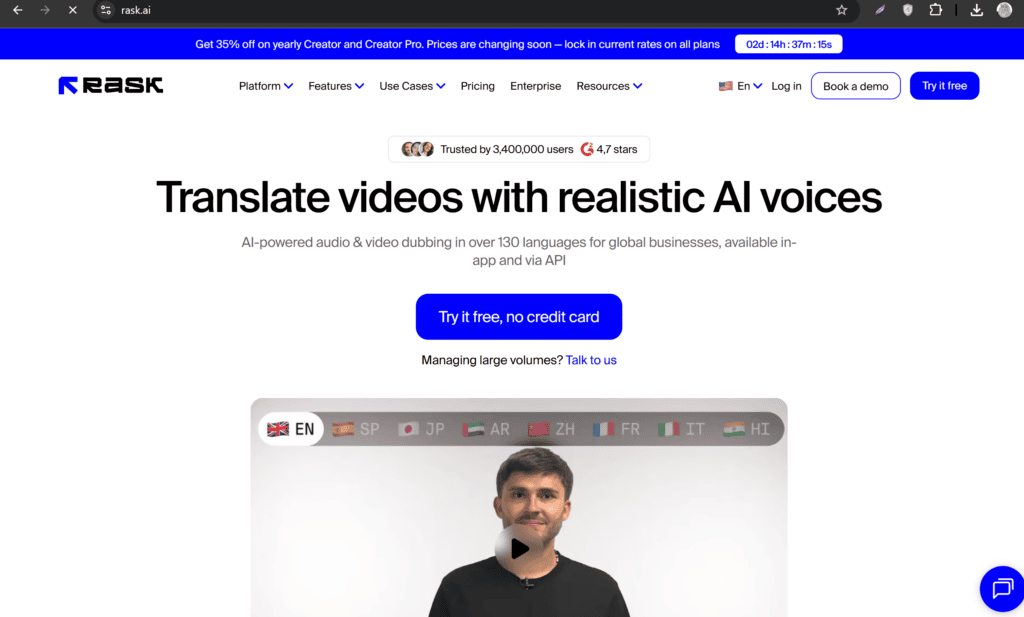
1. Rask AI
Rask AI is one of the most popular AI translation platforms.
Features:
- Voice cloning
- AI dubbing
- Subtitle translation
- Speaker detection
- Multiple language support
Free plan includes limited credits.
Best for:
- YouTube creators
- Online courses
- Marketing videos
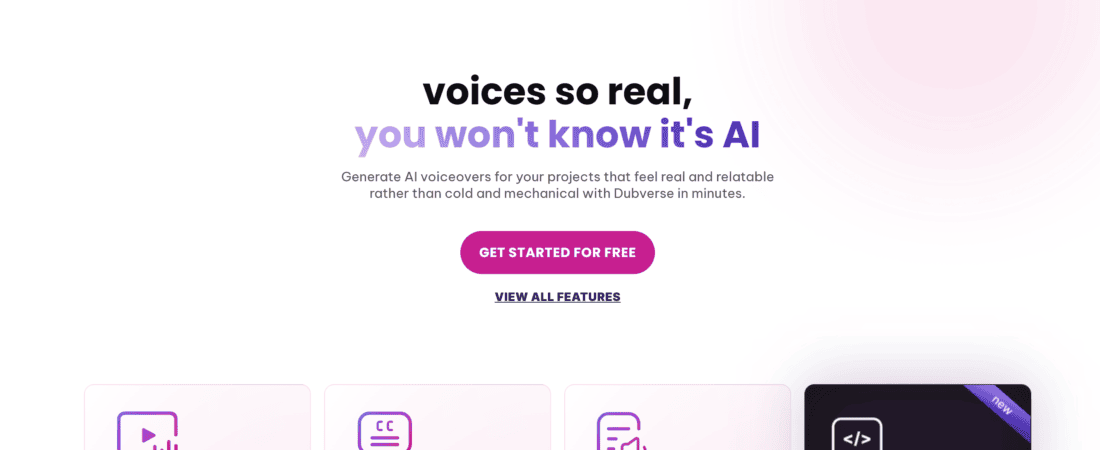
2. Dubverse
Dubverse provides AI-powered dubbing and translation.
Features include:
- Natural AI voices
- Subtitle generation
- Fast translation
- Multiple languages
Ideal for:
- Educational content
- Social media videos
3. HeyGen
HeyGen offers AI avatars together with multilingual video translation.
Highlights:
- AI voice cloning
- Lip synchronization
- Video translation
- AI presenters
Perfect for business videos.
4. CapCut AI
CapCut includes AI subtitle translation features.
Advantages:
- Easy interface
- Auto captions
- Subtitle translation
- Mobile and desktop versions
Best for short-form content.
5. VEED.io
VEED offers automatic subtitle translation.
Features:
- Auto subtitles
- Translation
- Online editing
- Quick exports
Great for beginners.
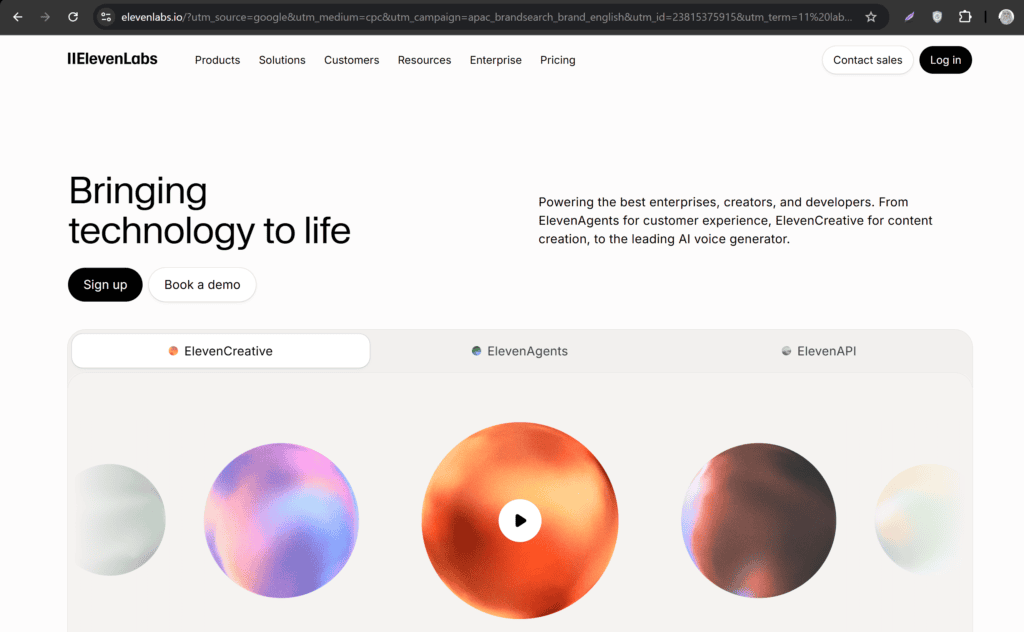
6. ElevenLabs
Although known for AI voices, ElevenLabs now supports multilingual voice generation.
Excellent for:
- Voiceovers
- Narration
- Podcast translation
7. Maestra AI
Maestra AI combines transcription and translation.
Features:
- AI transcription
- Subtitle editing
- Voiceovers
- Multiple export formats
Suitable for businesses and educators.
Step-by-Step Guide to Translate Videos Using Free AI Tools
Step 1: Choose a Translation Tool
Select a tool based on your needs.
For subtitles:
- VEED
- CapCut
For dubbing:
- HeyGen
- Rask AI
- Dubverse
For AI voices:
- ElevenLabs
Step 2: Upload Your Video
Most tools support drag-and-drop uploads.
Ensure your video has:
- Clear audio
- Minimal background noise
- High-quality speech
Better audio produces better translations.
Step 3: Select Source Language
Choose the original language.
Examples:
- English
- Urdu
- Hindi
- Spanish
- Arabic
Many AI tools can automatically detect the language.
Step 4: Choose Target Language
Select your desired output language.
Popular choices include:
- English
- French
- German
- Japanese
- Chinese
- Portuguese
- Korean
- Italian
Step 5: Generate AI Translation
Click the translation button.
AI automatically:
- Creates subtitles
- Translates speech
- Generates transcript
- Creates voiceovers (if supported)
This usually takes a few minutes.
Step 6: Review the Translation
Never publish without reviewing.
Check:
- Names
- Numbers
- Dates
- Brand names
- Technical terms
Small corrections greatly improve quality.
Step 7: Customize Subtitles
Most editors allow changes to:
- Font
- Color
- Size
- Position
- Animation
Use readable fonts for accessibility.
Step 8: Export the Video
Export options typically include:
- MP4
- SRT subtitles
- TXT transcript
- Audio
Choose the highest available quality.
Tips for Better AI Video Translation
Use High-Quality Audio
Good audio leads to accurate speech recognition.
Avoid:
- Echo
- Wind noise
- Loud music
Speak Clearly
Fast speech can reduce translation accuracy.
Speak naturally with clear pronunciation.
Avoid Background Music
Heavy music can interfere with speech detection.
Lower background music during narration.
Short Sentences Work Better
Simple language produces better translations.
Instead of:
“Our revolutionary platform significantly enhances operational efficiencies.”
Use:
“Our platform helps businesses work faster.”
Review Important Words
AI may mistranslate:
- Company names
- Product names
- Medical terms
- Legal terminology
Always proofread.
Benefits of AI Video Translation
Increase YouTube Views
Multilingual videos reach more viewers.
This can increase:
- Subscribers
- Watch hours
- Revenue
Improve SEO
Translated subtitles help search engines understand your content.
Benefits include:
- Better indexing
- More keywords
- International search visibility
Better Accessibility
Subtitles help:
- Deaf viewers
- Hard-of-hearing users
- Non-native speakers
Faster Content Production
Instead of recording multiple videos, translate one master video into many languages.
Cost Savings
AI eliminates much of the manual work involved in translation and dubbing.
Common Mistakes to Avoid
Publishing Without Proofreading
AI is excellent—but not perfect.
Always review the final output.
Poor Audio Quality
Low-quality recordings reduce transcription accuracy.
Using Automatic Translation for Technical Videos
Technical content may require manual adjustments.
Ignoring Subtitle Timing
Ensure subtitles match speech naturally.
Choosing the Wrong Voice
When using AI dubbing:
Select voices that match:
- Gender
- Age
- Emotion
- Speaking style
AI Video Translation for Different Content Types
YouTube Videos
Translate tutorials and reviews into multiple languages to grow globally.
Online Courses
Offer multilingual lessons for international students.
Business Presentations
Communicate with global clients more effectively.
Marketing Videos
Run multilingual campaigns without creating separate videos.
Social Media Reels
Translate Instagram, TikTok, and Facebook videos to increase engagement.
Product Demonstrations
Help international customers understand your products.
Free vs Paid AI Translation Tools
| Feature | Free Tools | Paid Tools |
|---|---|---|
| Auto subtitles | ✅ | ✅ |
| Basic translation | ✅ | ✅ |
| AI dubbing | Limited | Full |
| Voice cloning | Limited | Advanced |
| Export quality | Medium | High |
| Monthly usage | Limited | Unlimited |
| Custom voices | Limited | Yes |
| Faster processing | No | Yes |
For beginners, free plans are sufficient to test workflows and publish multilingual content. As your channel or business grows, upgrading can unlock more languages, better voice quality, and higher usage limits.
Best Practices for High-Quality Video Translation
To maximize the effectiveness of AI-powered video translation:
- Record videos in a quiet environment.
- Use a good-quality microphone.
- Speak at a steady pace.
- Break long sentences into shorter ones.
- Review translated subtitles before publishing.
- Maintain consistent terminology for brand names and products.
- Test different AI voices to find the most natural option.
- Export videos in HD or higher for a professional appearance.
Following these practices helps improve translation accuracy and viewer satisfaction.
Frequently Asked Questions (FAQs)
Can I translate videos for free using AI?
Yes. Many AI tools provide free plans with limited monthly usage, allowing you to translate videos, generate subtitles, and test AI voiceovers without paying.
Which free AI tool is best for video translation?
It depends on your needs:
- CapCut and VEED are excellent for subtitles.
- Dubverse and Rask AI are strong choices for AI dubbing.
- ElevenLabs excels at realistic AI-generated voices.
Can AI translate my voice into another language?
Yes. Several AI platforms can clone or synthesize your voice in different languages while preserving a similar speaking style.
Are AI translations accurate?
AI translation quality has improved significantly, especially for common languages. However, reviewing and editing the output is still recommended for professional or technical content.
Does translating videos improve SEO?
Yes. Multilingual subtitles and transcripts can help search engines understand your content, increasing the chances of appearing in international search results.
Can I translate YouTube videos automatically?
Yes. Many AI tools allow you to upload your video, generate translated subtitles, or create dubbed versions suitable for YouTube uploads.
Final Thoughts
Free AI tools for automated video translation have transformed how creators and businesses reach audiences worldwide. What once required professional translators, voice actors, and hours of editing can now be accomplished in minutes with AI-powered transcription, translation, subtitle generation, and dubbing.
Whether you’re a YouTuber, educator, marketer, or business owner, translating your videos into multiple languages can expand your global reach, improve engagement, enhance accessibility, and support long-term content growth. Start with free tools to build your workflow, focus on high-quality audio, and always review the final output for accuracy. As your audience grows, you can scale to advanced features like voice cloning and multilingual dubbing.
By embracing AI video translation today, you’ll be better positioned to connect with viewers around the world and make your content truly global.
Check out here if you want to know about Best Free AI Tool for Generating Viral TikTok Scripts (2026 Guide)