
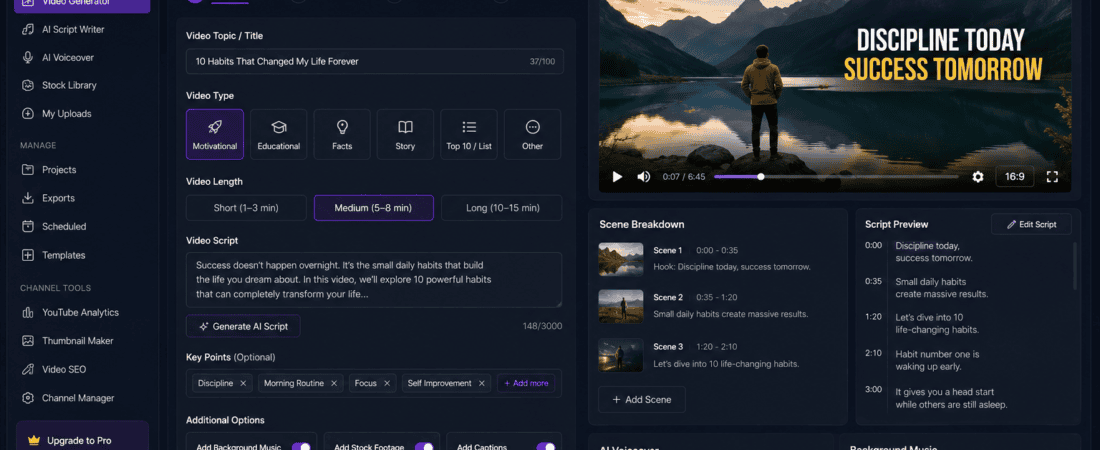
AI Video Generators: Faceless YouTube channels have become one of the fastest-growing ways to earn online. Thousands of creators are building successful channels without ever appearing on camera. Instead of recording themselves, they use Artificial Intelligence to generate scripts, voiceovers, stock footage, animations, subtitles, and complete videos.
The rise of free AI video generators has made it easier than ever to launch an automated YouTube channel with minimal equipment and no video editing experience. Whether you want to create educational videos, tech explainers, motivational content, finance tutorials, travel documentaries, or AI tool reviews, AI-powered platforms can dramatically reduce production time.
In this guide, you’ll learn:
- What faceless YouTube channels are
- Why AI video generators are popular
- The best free AI video generators
- How to create AI-generated YouTube videos
- Tips to grow an automated YouTube channel
- Common mistakes to avoid
- Frequently asked questions
Let’s explore the best tools and strategies for building a successful AI-powered YouTube channel.
What Is a Faceless Automated YouTube Channel?
A faceless YouTube channel is a channel where the creator does not appear on camera. Instead, videos are produced using:
- AI-generated voiceovers
- Stock videos
- Screen recordings
- Motion graphics
- Animations
- AI avatars
- Slideshows
- AI-generated visuals
An automated YouTube channel uses AI tools to handle repetitive tasks such as:
- Script writing
- Voice generation
- Video editing
- Caption creation
- Thumbnail ideas
- Background music
- Content translation
This allows creators to produce videos much faster while maintaining consistent quality.
Why Use AI Video Generators?
AI video generators have transformed content creation by making professional-quality videos accessible to everyone.
Save Time
Creating videos manually often involves scripting, recording, editing, and adding effects.
AI tools automate many of these steps, reducing production time from hours to minutes.
Lower Production Costs
Traditional video production requires cameras, microphones, lighting, and editing software.
Many AI platforms offer free plans that allow creators to start with little or no investment.
No Camera Required
If you’re uncomfortable appearing on camera, AI-generated videos let you create engaging content while staying behind the scenes.
Consistent Publishing
Publishing consistently is one of the biggest factors in YouTube growth.
AI helps maintain a regular upload schedule by speeding up content creation.
How AI Video Generators Work
Most AI video generators follow a simple workflow.
Step 1: Enter a Topic
For example:
- Best AI tools for students
- Productivity tips
- Travel guide
- Technology news
Step 2: Generate a Script
Many AI tools can create a structured script automatically.
Step 3: Add Voiceover
Choose an AI-generated voice or upload your own narration.
Step 4: Generate Visuals
The platform adds:
- Stock footage
- Images
- Animations
- Icons
- Motion graphics
Step 5: Add Captions
Automatic subtitles improve accessibility and viewer engagement.
Step 6: Export
Download the finished video in HD or higher quality.
Best Free AI Video Generators for Faceless YouTube Channels
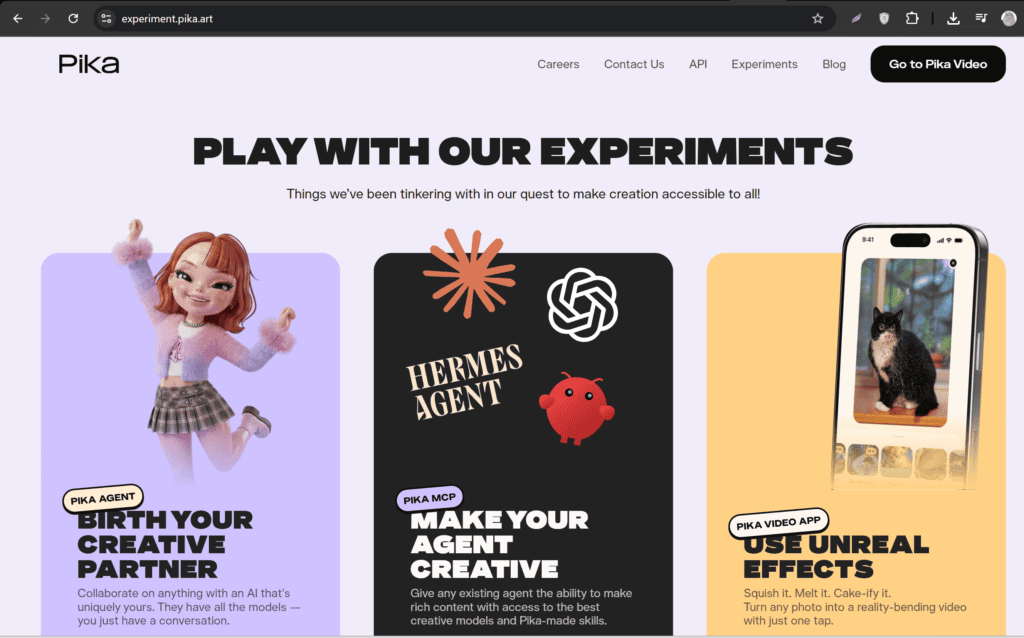
1. Pika
Pika transforms text prompts into engaging AI-generated videos.
Features
- Text-to-video generation
- AI animation
- Creative effects
- Fast rendering
Best For
- Short explainer videos
- Social media clips
- Creative storytelling
2. Kling AI
Kling AI creates realistic AI-generated videos with smooth motion.
Features
- High-quality video generation
- Realistic animations
- Text-to-video
- Image-to-video
Best For
- Cinematic content
- AI storytelling
- Educational visuals
3. PixVerse AI
PixVerse allows creators to generate AI videos from text prompts.
Features
- AI animation
- High-resolution exports
- Creative templates
- Easy interface
Best For
- Marketing videos
- YouTube Shorts
- Product showcases
4. Lumen5
Lumen5 converts blog posts into professional videos.
Features
- Blog-to-video conversion
- Stock media library
- AI scene selection
- Automatic captions
Best For
- Educational channels
- Business content
- News summaries
5. InVideo AI
InVideo AI can create complete videos from simple prompts.
Features
- AI script generation
- Voiceovers
- Stock footage
- Automatic editing
Best For
- YouTube automation
- Marketing videos
- Tutorials
6. Canva AI Video
Canva combines AI with an intuitive drag-and-drop editor.
Features
AI Magic Media
Video templates
Text animations
Background removal
Best For
Beginners
Social media creators
Presentations
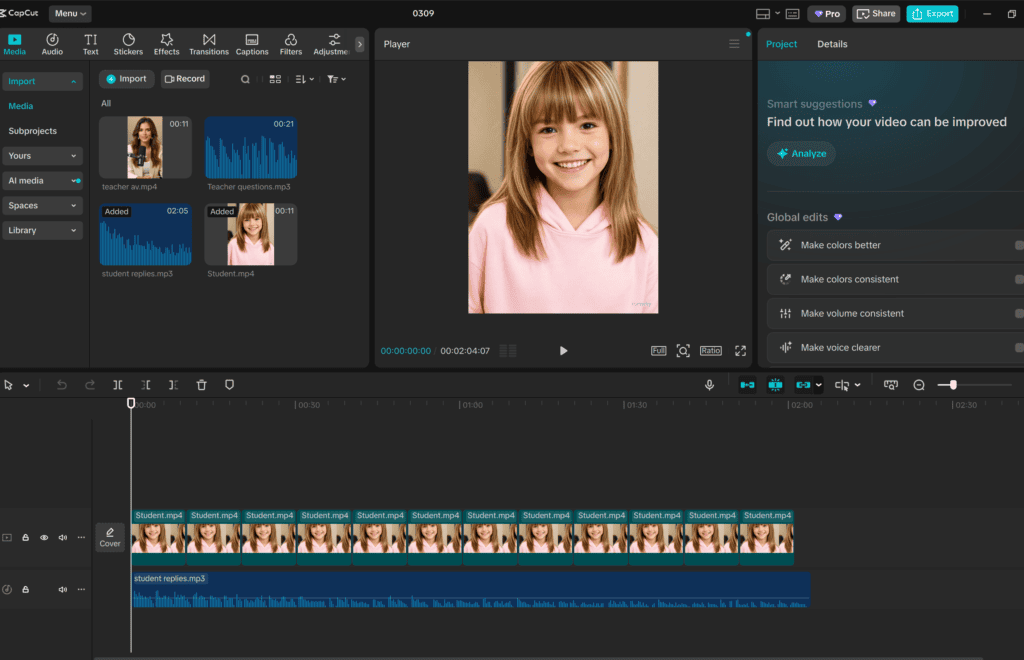
7. CapCut AI
CapCut offers AI-powered editing tools suitable for YouTube.
Features
- Auto captions
- AI script assistance
- Background removal
- Smart editing
Best For
- YouTube Shorts
- Reels
- TikTok videos
8. Adobe Express AI
Adobe Express simplifies AI video creation with ready-made templates.
Features
- AI-assisted editing
- Motion graphics
- Voice recording
- Brand templates
Best For
- Business videos
- Promotional content
- Educational videos
How to Create a Faceless YouTube Video Using AI
Step 1: Select Your Niche
Popular niches include:
- AI tools
- Technology
- Finance
- Health
- Motivation
- Productivity
- Education
- History
- Travel
- Facts and documentaries
Choose a niche you can consistently create content around.
Step 2: Write a Script
Use an AI writing assistant to generate a clear, engaging script.
Keep the language simple and conversational.
Step 3: Generate a Voiceover
Select an AI voice that matches your audience and content style.
A natural-sounding voice improves viewer retention.
Step 4: Create Visuals
Generate visuals using AI video tools or combine stock footage, animations, and images to support your script.
Step 5: Add Background Music
Use royalty-free AI-generated music to make your videos more engaging without distracting from the narration.
Step 6: Include Captions
Captions improve accessibility and help viewers follow along, especially when watching without sound.
Step 7: Export and Upload
Export your video in 1080p or higher, then upload it with:
- An SEO-friendly title
- Keyword-rich description
- Relevant tags
- Eye-catching thumbnail
Benefits of AI Video Generators
Faster Video Production
AI can reduce production time from several hours to less than one hour for many projects.
Beginner-Friendly
No advanced editing skills are required to create professional-looking videos.
Affordable
Many platforms provide free plans suitable for creators starting their YouTube journey.
Consistent Branding
Templates and reusable assets help maintain a consistent visual identity.
Scalable Content Creation
As your channel grows, AI allows you to produce more videos without significantly increasing workload.
Best Content Ideas for Faceless AI YouTube Channels
Consider creating content in these categories:
- AI tool reviews
- Software tutorials
- Productivity tips
- Business ideas
- Motivational videos
- Educational explainers
- Technology news
- Finance basics
- Health tips
- Travel guides
- Book summaries
- Movie facts
- Historical documentaries
- Science explainers
- Digital marketing tutorials
Choose topics that provide value and solve real problems for viewers.
Tips for Growing a Faceless Automated YouTube Channel
Publish Consistently
Aim for a regular upload schedule to build audience expectations and improve channel performance.
Focus on Strong Hooks
Capture viewers’ attention within the first 10–15 seconds by presenting an interesting fact, question, or problem.
Optimize for SEO
Include your target keyword naturally in:
- Title
- Description
- Headings
- Video file name
- Thumbnail text (where appropriate)
Use High-Quality Thumbnails
Create clean, visually appealing thumbnails with bold text and contrasting colors.
Improve Audio Quality
Clear narration is just as important as strong visuals. Avoid noisy recordings and ensure balanced audio levels.
Analyze Performance
Monitor metrics such as:
- Click-through rate (CTR)
- Audience retention
- Watch time
- Average view duration
Use these insights to improve future videos.
Common Mistakes to Avoid
Relying Entirely on AI
AI is a powerful assistant, but reviewing scripts, visuals, and narration helps maintain quality and originality.
Ignoring Copyright Rules
Use licensed stock footage, royalty-free music, and original AI-generated assets. Avoid uploading copyrighted material.
Creating Generic Content
Differentiate your videos with unique insights, examples, or storytelling rather than simply repeating common information.
Overusing Visual Effects
Too many transitions or animations can distract viewers from your message.
Inconsistent Upload Schedule
Long gaps between uploads can slow channel growth. Plan content in advance to stay consistent.
Free vs Paid AI Video Generators
| Feature | Free Tools | Paid Tools |
|---|---|---|
| Text-to-video | ✅ | ✅ |
| Basic templates | ✅ | ✅ |
| HD export | Limited | Yes |
| Watermark-free exports | Limited | Yes |
| AI voiceovers | Limited | Advanced |
| Stock media | Basic | Extensive |
| Rendering speed | Standard | Faster |
| Monthly usage | Limited | Higher limits |
Free plans are excellent for learning and testing ideas. As your channel grows, paid plans may offer better export quality, more AI credits, and advanced editing features.
Best Practices for Creating High-Quality AI Videos
To produce engaging videos consistently:
- Research topics before generating scripts.
- Verify facts from reliable sources.
- Keep videos concise and well-structured.
- Match visuals closely to the narration.
- Use smooth transitions and readable captions.
- Maintain consistent branding across videos.
- Test different thumbnail styles.
- Encourage viewers to like, comment, and subscribe naturally.
These practices improve viewer satisfaction and support long-term channel growth.
Future of AI Video Generation
AI video technology continues to evolve rapidly. Future improvements may include:
- More realistic AI avatars
- Better voice cloning
- Longer text-to-video generation
- Improved lip synchronization
- Personalized video experiences
- Real-time editing assistance
- Enhanced multilingual support
These innovations will make automated content creation even more efficient and accessible.
Frequently Asked Questions (FAQs)
Can I start a YouTube channel without showing my face?
Yes. Many successful creators run faceless channels using AI voiceovers, stock footage, animations, and screen recordings.
Are free AI video generators good enough?
Yes. Many free tools provide excellent features for beginners, although they may include usage limits, watermarks, or reduced export quality.
Can I monetize AI-generated YouTube videos?
Yes, as long as your content complies with YouTube’s monetization policies, is original, and provides value to viewers. Avoid low-quality, repetitive, or purely automated content.
Which AI video generator is best for beginners?
Tools such as Canva AI, CapCut AI, InVideo AI, and Lumen5 are beginner-friendly due to their intuitive interfaces and templates.
Do I need video editing experience?
No. Most AI video generators are designed to simplify the editing process with automated workflows and drag-and-drop tools.
How often should I upload videos?
Consistency matters more than volume. Whether you publish once or several times a week, maintain a schedule you can sustain while focusing on quality.
Final Thoughts
Free AI video generators have opened the door for anyone to build a successful faceless YouTube channel. From script writing and AI voiceovers to automated editing and video generation, these tools reduce production time while making professional-quality content accessible to creators of all experience levels.
Whether you’re producing AI tool reviews, educational tutorials, finance explainers, motivational videos, or technology news, combining thoughtful planning with reliable AI tools can help you create engaging videos at scale. Remember to review AI-generated content, follow copyright guidelines, optimize each upload for SEO, and prioritize value for your audience.
With consistency, creativity, and continuous improvement, a faceless automated YouTube channel can become a sustainable long-term content business.
Check out here if you want to know about How to Use Free AI Tools for Automated Video Translation
Check out here if you want to know about Best Free AI Music Generators for Copyright-Free Background Music